CapCut used to be the answer to “what’s a quick, easy video editor that doesn’t cost anything?” It’s not that answer anymore. Basic transitions are paywalled. Removing the watermark costs money. And somewhere on ByteDance’s servers, your video files are sitting on infrastructure that an increasing number of people have decided they’re not comfortable with.
So when a project called OpenCut appeared on GitHub with the explicit goal of being the free, open-source replacement — no watermarks, no subscriptions, no uploads — people paid attention. 48,000+ GitHub stars paid attention, to be specific. That’s a lot of people saying “yes, this is something I want to exist.”
Here’s what it actually is right now, what it can and can’t do yet, and why the timing makes it worth trying even in its early state.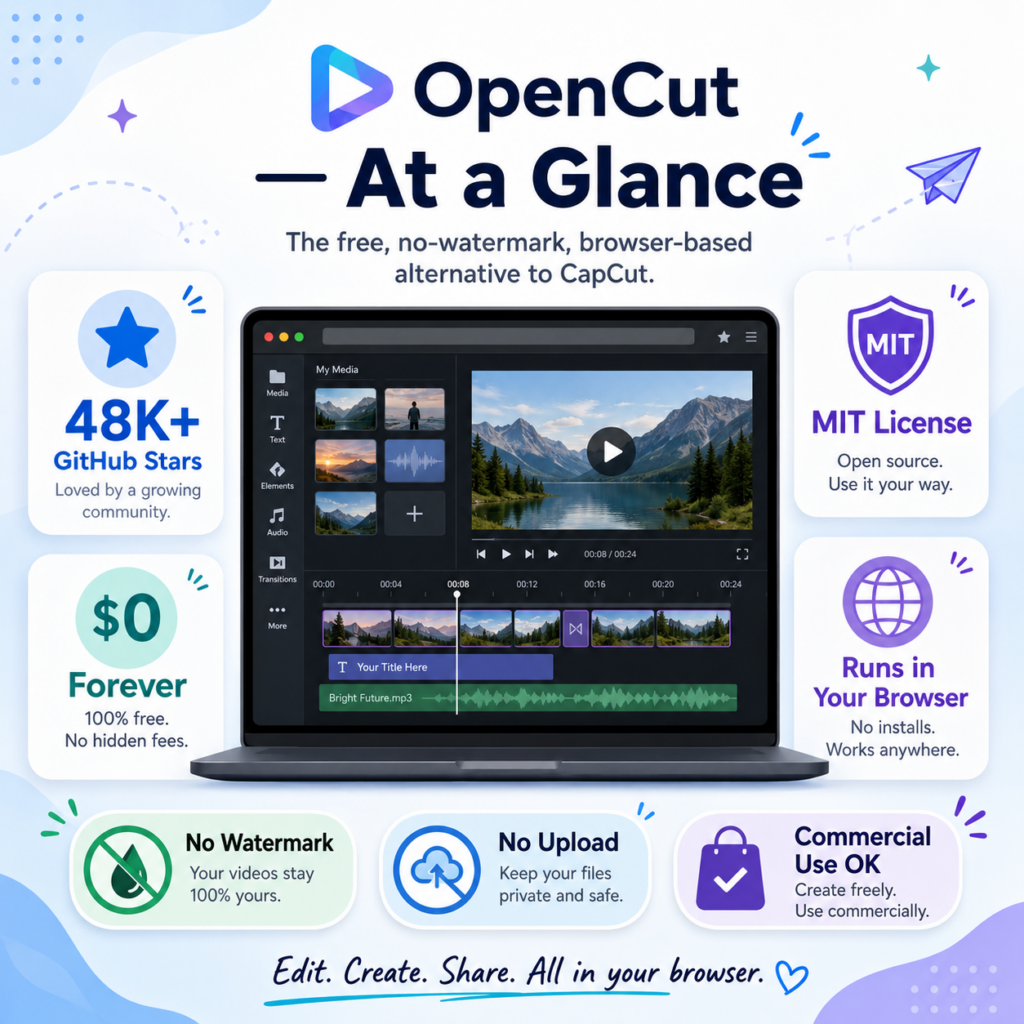
OpenCut — At a Glance
 Why CapCut Lost the Goodwill It Had
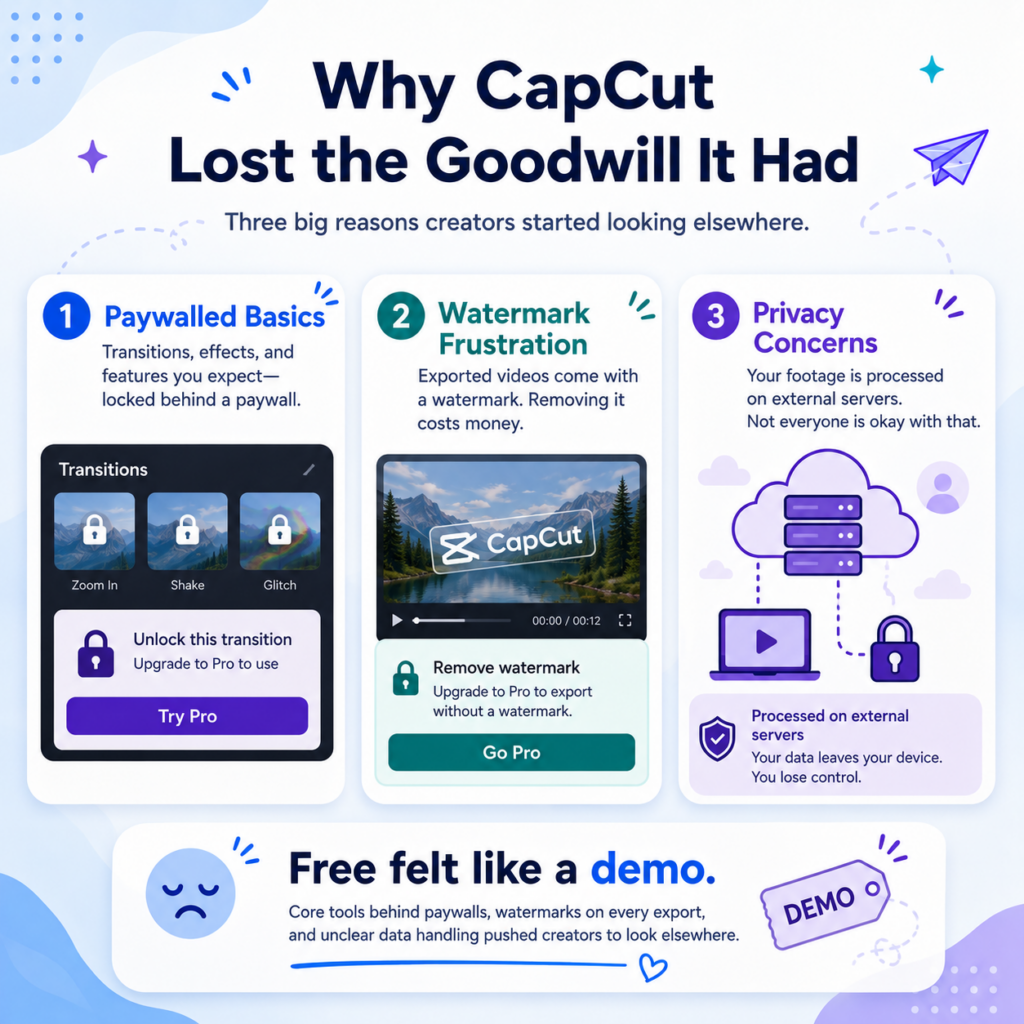 Why CapCut Lost the Goodwill It Had
The frustration with CapCut built up gradually and then all at once. The product didn’t get worse overnight — it just slowly moved things behind paywalls while keeping the free version just functional enough that switching felt like effort.
Remove watermarks from your own videos? Subscription. Basic effects and transitions? Subscription. Export without a CapCut logo? Depends on what you’re making and where you’re making it. The product that used to be genuinely free is now a freemium tool where the “free” part is mostly a demo of what you’d get if you paid.
There’s also the data question. CapCut is a ByteDance product. All your video files get processed on their servers. For a lot of creators, that’s a shrug. For others — especially anyone working with client content, corporate footage, or anything sensitive — it’s a harder sell than it used to be. The US government has repeatedly scrutinized ByteDance apps. That conversation isn’t over.
OpenCut processes everything locally. Your video files never leave your device. There’s no account. No login. No cloud. You open the editor in your browser, edit, and export. That’s it.
What OpenCut Actually Is Right Now
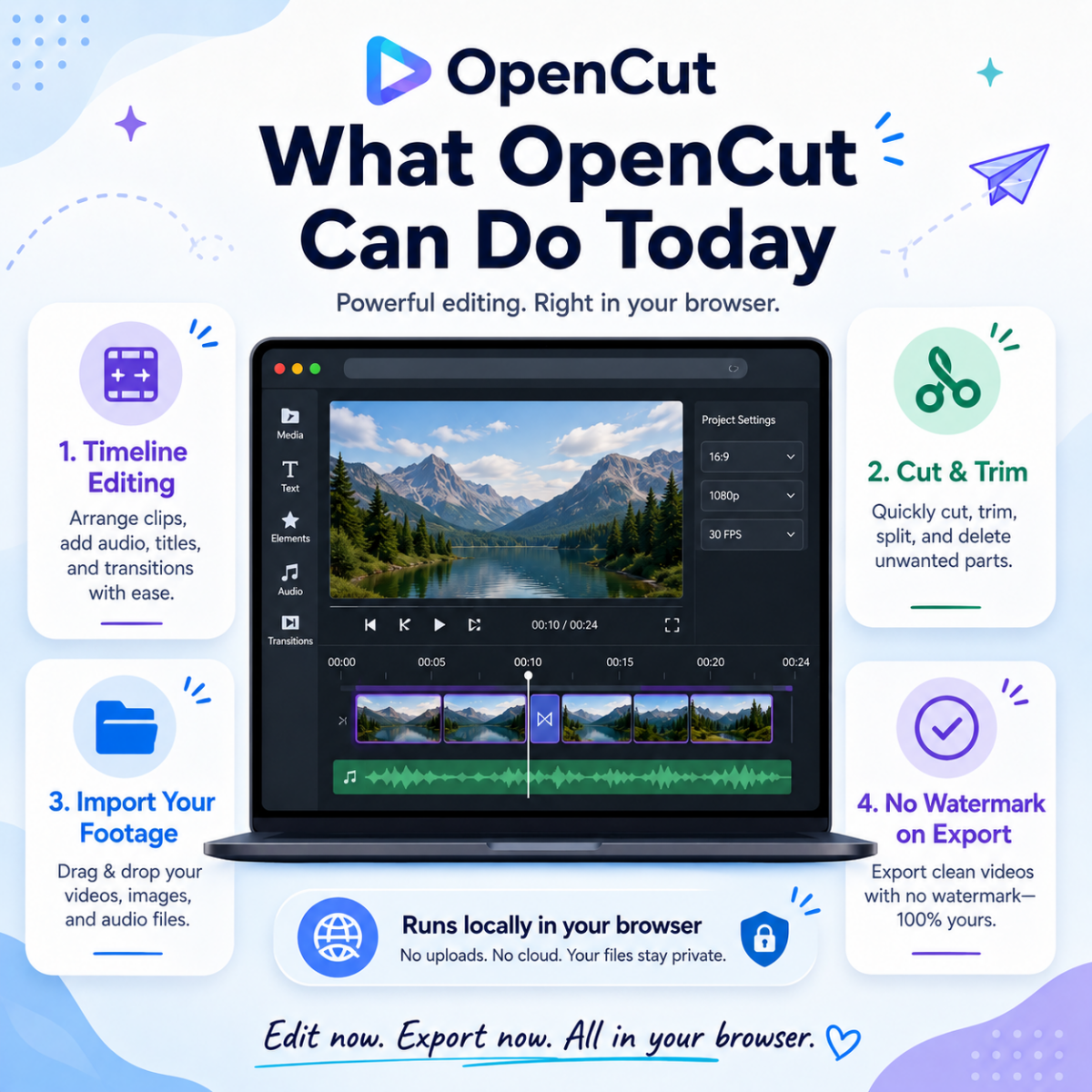 What OpenCut Actually Is Right Now
OpenCut is a browser-based video editor built with Next.js and TypeScript. You go to opencut.app, drop in your video files, and edit on a timeline interface — no account, no installation, no upload to any server. The processing happens in your browser using your own hardware.
✅ Timeline editing
Drag clips onto a multi-track timeline. Rearrange, stack, and organize footage the way you’d expect.
✅ Cut and trim
Split clips, remove sections, shorten footage. The core editing operations you actually use 90% of the time.
✅ Video import
Bring in your own footage directly from your device. No upload required.
✅ No watermark on export
What you export is clean. Always. No “Free version” badge. No branding overlay. This applies to commercial use too — MIT license.
✅ Works on any OS
Browser-based means Windows, macOS, Linux — doesn’t matter. Same experience.
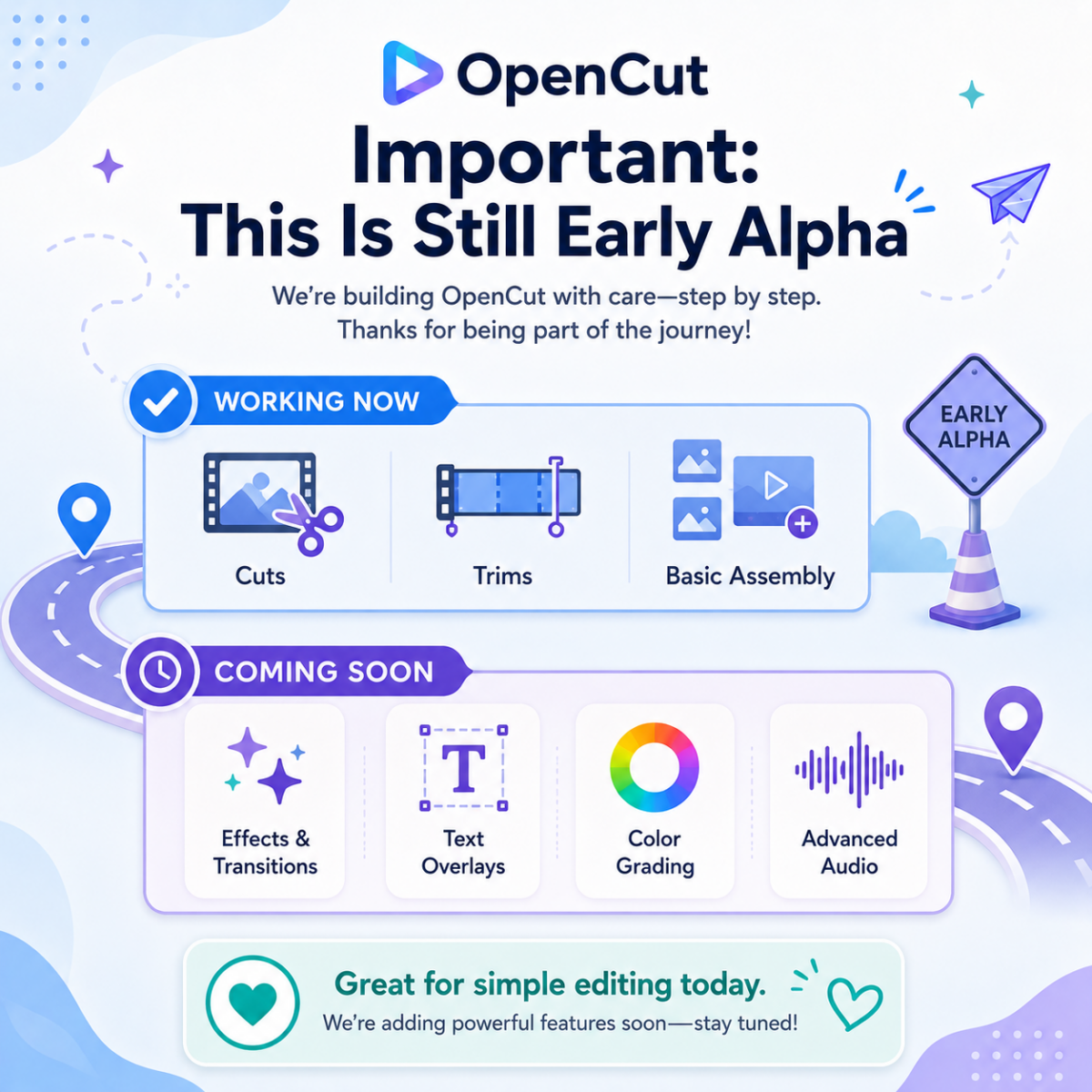
⚠️ Important: This Is Still Early Alpha
OpenCut is about 10 months into development. The core editing pipeline works, but a lot of what made CapCut popular isn’t there yet:
🔜 Effects and transitions library — on the roadmap, not shipped yet
🔜 Text overlays and animated titles — coming
🔜 Color grading tools — roadmap
🔜 Advanced audio editing — roadmap
If you need those things right now, you still need CapCut or something else. But if your use case is cuts, trims, basic assembly — OpenCut handles it today, for free, without your footage leaving your machine.
Who Should Try It Right Now
 Who Should Try It Right Now
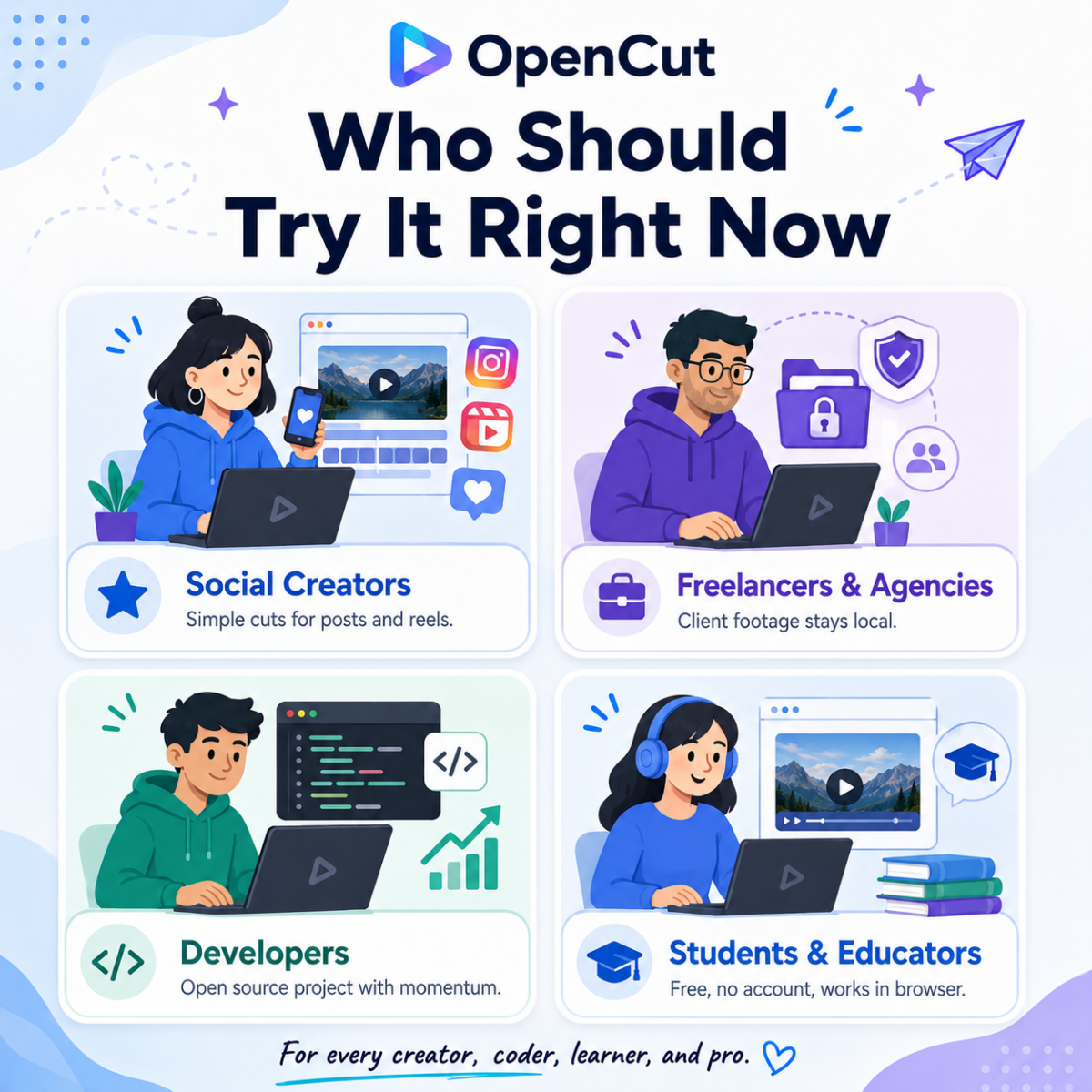
📱 Social media creators doing simple cuts
If your workflow is: shoot, cut the dead air, export, post — OpenCut does that today. No subscription required.
💼 Freelancers and agencies working with client footage
Your clients’ footage not going to ByteDance’s servers is a feature worth caring about. Commercial use is explicitly permitted under the MIT license.
🧑💻 Developers who want to contribute to something with real momentum
48K stars in under a year means the community is there. The stack is modern — Next.js, TypeScript, Bun, Zustand. If you want an open-source contribution that people will actually use, this is a serious candidate.
🎓 Students and educators
Zero cost, no account required, runs on any hardware with a modern browser. For educational environments, those three things together are rare.
The Tech Behind It (Worth Knowing)
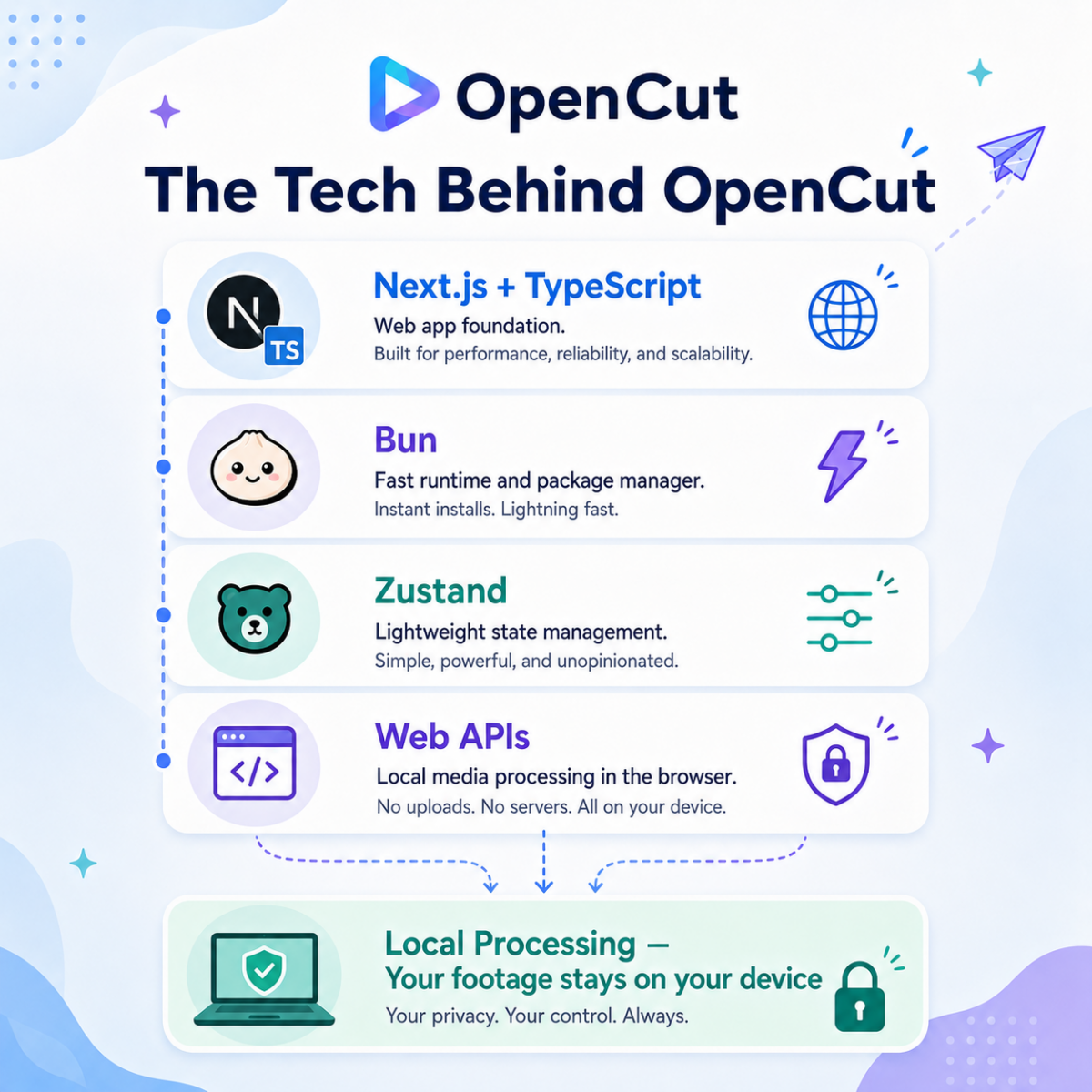
Building a video editor that runs entirely in a browser is genuinely hard. The fact that OpenCut works at all is because of how modern browsers have evolved — specifically the Web APIs that now allow intensive media processing without a server.
| Stack | What it does here |
|---|---|
| Next.js + TypeScript | The web app framework. TypeScript means the codebase is typed, readable, and easier to contribute to. |
| Bun | Replaces Node/npm as the runtime and package manager. Significantly faster installs and builds. |
| Zustand | Lightweight state management. Handles the timeline state, clip positions, and editor UI without Redux complexity. |
| Web APIs (local processing) | Video decoding and processing runs in the browser using modern Web APIs. No server involved. Your footage stays local. |
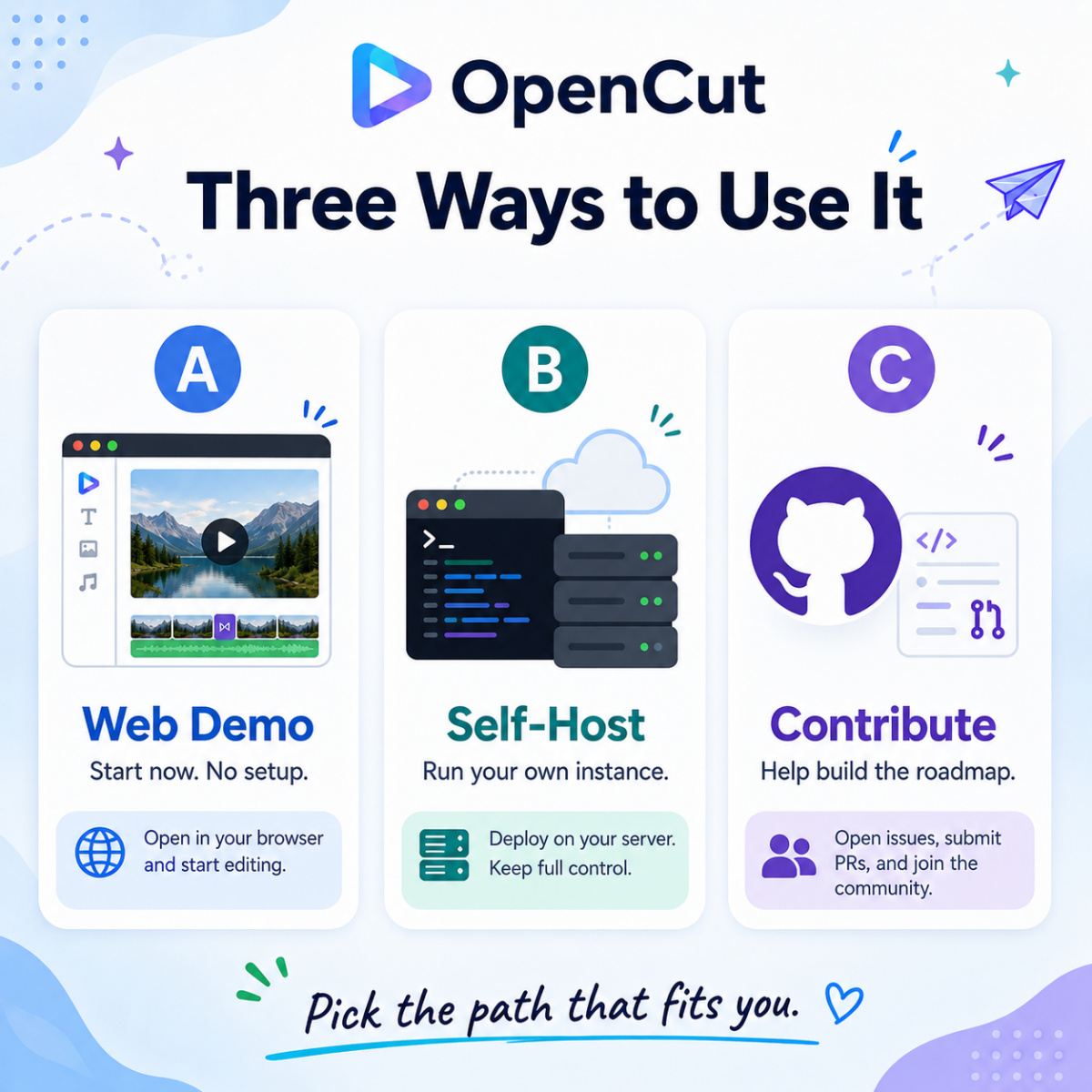
Three Ways to Use It
Web demo — zero setup, start now
Go to opencut.app and start editing. No account, no download. This is the fastest way to test whether it works for your use case.
Self-host — run your own instance
Clone the repo and run it locally. Good if you want full control or are working in an environment where external web access is restricted.
git clone https://github.com/OpenCut-app/OpenCut
cd OpenCut
bun install && bun dev
Contribute — the project is actively merging PRs
48K stars means there’s a community. The roadmap items — effects, transitions, text tools, color grading — are all open for contributors. If you want to build features people will actually use, the GitHub issues list is the place to start.
CapCut vs. OpenCut — Honest Side by Side
 CapCut vs. OpenCut — Honest Side by Side
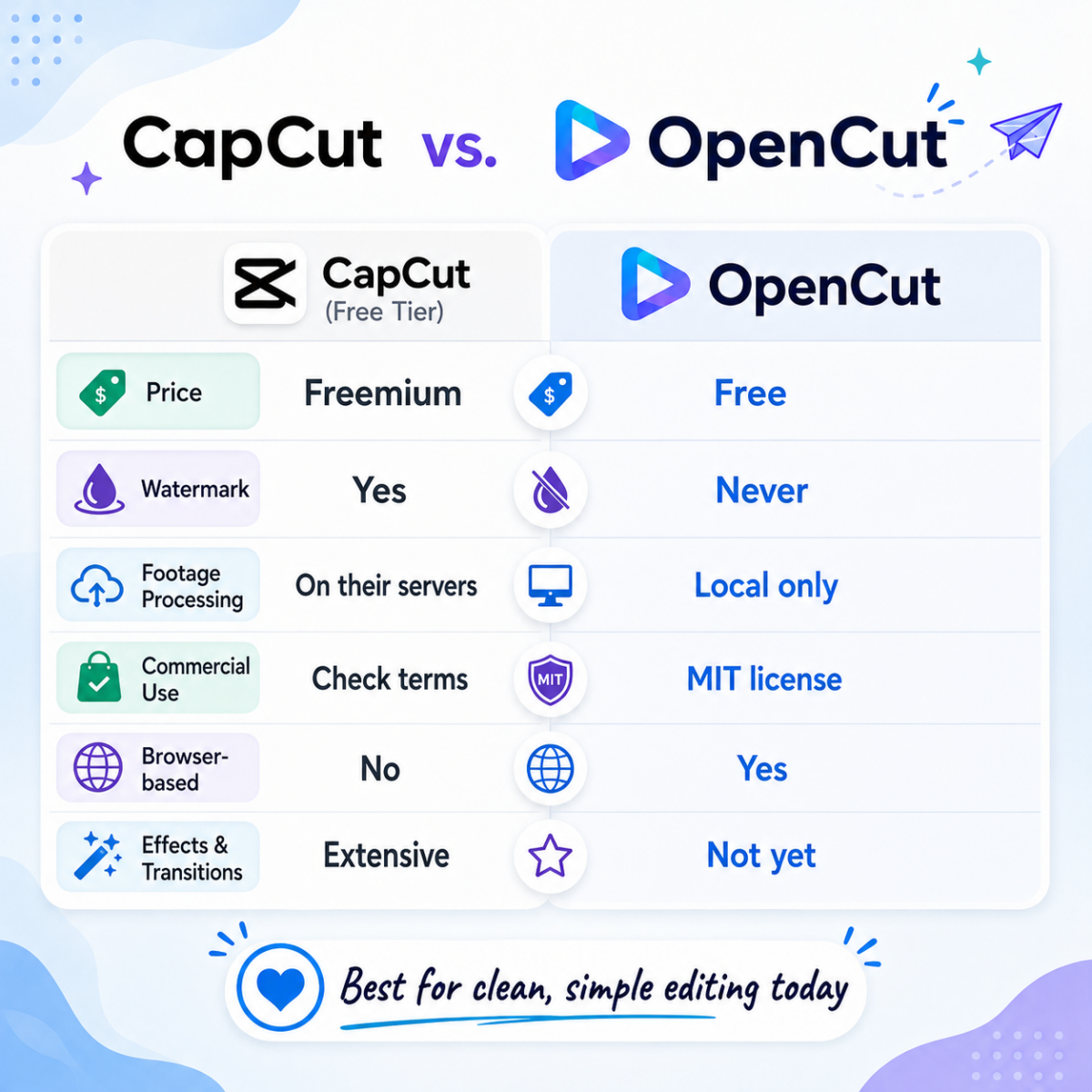
| CapCut (Free tier) | OpenCut | |
|---|---|---|
| Price | Freemium — key features paywalled | Free. Always. |
| Watermark | Yes (free tier) | Never |
| Your footage goes to their servers | Yes (ByteDance) | No. Local only. |
| Commercial use | Complicated (check ToS) | Yes — MIT license |
| Effects / transitions | Extensive library | Not yet (roadmap) |
| Text / caption tools | Yes | Coming soon |
| Install required | App download required | Runs in browser |
OpenCut isn’t ready to replace CapCut for someone who needs all the bells and whistles today. It’s honest about that. What it is ready to replace is the specific situation where you need to cut some footage, export it clean, and not deal with watermarks, subscriptions, or files being processed on servers you don’t control.
For that use case — which is more common than the CapCut marketing implies — it works right now, it’s free, and the community building it grew from nothing to 48K stars in less than a year. That kind of momentum tends to mean the features on the roadmap actually ship.
Try OpenCut Now
No account · No install · No watermark · No upload · MIT License
Know someone still paying for CapCut just to remove a watermark?
Send them this. opencut.app. No subscription needed.
Written by the MindWiredAI team. All details verified against github.com/OpenCut-app/OpenCut, opencut.app, Medium (Johnny Chen technical deep-dive, Nov 2025), design-drifter.com OpenCut analysis (Sep 2025), and opensourceprojects.dev coverage. GitHub star count (48K+) as of May 2026. OpenCut is MIT-licensed and in active development. Feature roadmap items are stated goals, not shipped features. CapCut is a product of ByteDance.