Google Is Giving Away 4 Months of AI Pro for Free — Here’s How to Get It (Legally)
It’s not a glitch. It’s not a scam. It’s Google’s own referral program — and most people don’t even know it exists.
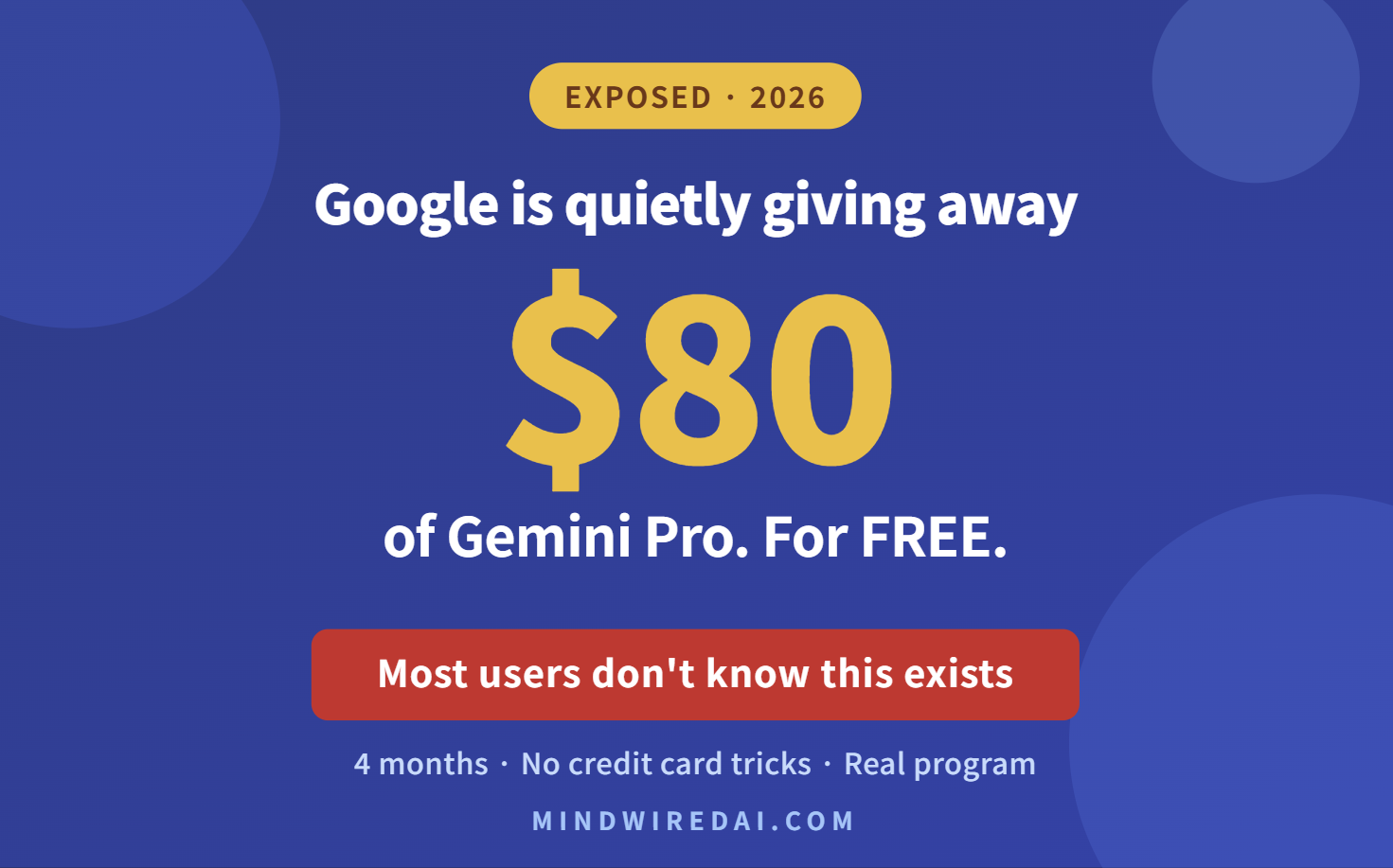
Here’s a quiet little promotion Google has been running that almost nobody talks about: existing Google AI Pro subscribers can gift 4 months of free access to up to 3 friends.
That’s roughly $80 of free Gemini Pro access per friend, at Google’s regular price of $19.99/month. No catch, no credit card tricks, no “free trial that auto-bills you on day 8.” Just a real referral program buried inside the Gemini app that most subscribers haven’t even noticed.
If you’ve been curious about Gemini Pro but didn’t want to pay $20/month to find out, this is your window.
The short version: If you know someone who already pays for Google AI Pro, they can send you a referral link that unlocks 4 months free. They can do this for up to 3 different people. You don’t need to be a student. You don’t need an .edu email. You just need to be new to Google AI Pro.
What Google AI Pro Actually Includes
Before you chase this, you should know what you’re actually getting. Google AI Pro is the mid-tier plan — not the cheapest, not the top of the line. Here’s what comes with it:
- Access to Gemini 3 Pro, Google’s flagship reasoning model
- 4x higher usage limits than the free Gemini tier
- Deep Research with longer, more thorough reports
- Gemini integrated directly into Gmail, Docs, Sheets, and Slides
- NotebookLM with expanded limits
- Veo for video generation (limited access)
- 2 TB of Google cloud storage across Drive, Gmail, and Photos
- 1,000 monthly AI credits for Flow and other creative tools
For most people who write, research, or just want a serious AI assistant for work, Pro is the sweet spot. The free Gemini tier is too limited; the Ultra plan at $99.99/month is overkill unless you’re doing heavy video generation.
How the Referral Program Actually Works
This is where misinformation gets spread, so let me be precise. I dug through Google’s own documentation and confirmed every detail.
If You’re the One Sending the Invite
You qualify to send invites if you meet either of these:
- You currently subscribe to Google AI Pro (paid)
- You upgraded to Google AI Pro from an existing Google One plan
If you qualify:
- Open the Gemini app or visit gemini.google.com
- Look for “Invite a friend” in the left sidebar menu
- Copy your referral link or send directly via the invite button
- Share with up to 3 people (this is the real limit, not 10 like some posts claim)
The dashboard tracks who’s accepted and who hasn’t. If a friend declines or doesn’t redeem, that slot stays open for someone else.
If You’re the One Receiving the Invite
To redeem a 4-month free trial, you need to meet all of these:
- Be new to Google AI Pro (never subscribed before)
- Live in a region where the Gemini web app is supported (most major markets including the US, UK, Canada, EU, India, and 150+ other countries)
- Be 18 or older
- Have a personal Google account in good standing
Click the link your friend sent, accept the offer, and the 4-month free period activates on your account immediately.
The One Trap You Need to Know About
Here’s the part Google buries in fine print and most blog posts conveniently skip.
After the 4 months end, your account auto-renews at $19.99/month unless you cancel. Google does send a reminder email near the end of your trial, but if you miss it, you’ll get charged. This is standard for almost every “free trial” out there, but a lot of people forget.
My recommendation: the day you activate the trial, do this:
- Set a calendar reminder for 3 months and 20 days from activation date
- In that reminder, decide whether you want to keep paying or cancel
- If you want to cancel, go to one.google.com → Manage membership → Cancel subscription
You can cancel at any time during the 4 months and still keep the free access until the trial ends. So honestly, the safest move is to cancel the moment you activate. You get the full 4 months for free with zero risk of being charged.
How to Find Someone Who Can Invite You
This is the actual hard part. You need to know someone who already pays for Google AI Pro and is willing to send you their referral link.
A few realistic options:
- Ask in your developer or productivity Slack/Discord communities. Pro subscribers often have unused invite slots and are happy to send them.
- Check Reddit threads in r/Bard or r/GoogleGeminiAI. People regularly post offering their referral slots in exchange for nothing.
- Ask coworkers who use Gemini at work. If your company uses Google Workspace with Gemini, someone on your team likely has Pro.
- Family members who already pay. Easiest path if anyone in your household has it.
One important note: be cautious about random “free invite link” sites or sellers asking for money. The referral program is free for everyone involved — nobody legitimate should be charging you for a link.
Should You Even Bother?
Honest take: yes, if you’ve never seriously used Gemini Pro and want to compare it against ChatGPT or Claude before deciding where to spend your AI subscription budget. Four months is more than enough time to integrate it into your daily workflow and form a real opinion.
Skip it if you already pay for another AI service and aren’t planning to switch. Adding a fourth or fifth AI subscription you don’t use is just digital clutter, free or not.
For most people sitting in the middle — curious about Gemini, hesitant to pay $20/month to find out if it’s worth it — this referral program is the cleanest way to test the full Pro tier without risk.
Quick Recap
- What: 4 months of Google AI Pro free (worth ~$80)
- Who can send: Existing paid Google AI Pro or Google One Pro subscribers
- Who can receive: Anyone new to Google AI Pro in a supported region
- Limit per inviter: 3 friends maximum
- Where to find your invite link: Gemini app, left sidebar, “Invite a friend”
- Auto-renewal warning: Cancel before the 4 months end to avoid $19.99/month charges
Google hasn’t announced when this referral program ends. They can change or kill it at any time. If you’ve been waiting to test Gemini Pro, this is probably the best window you’ll get.
Useful links:
- Google AI Pro plans and pricing: gemini.google/subscriptions
- Gemini web app: gemini.google.com
- Manage your Google One subscription: one.google.com