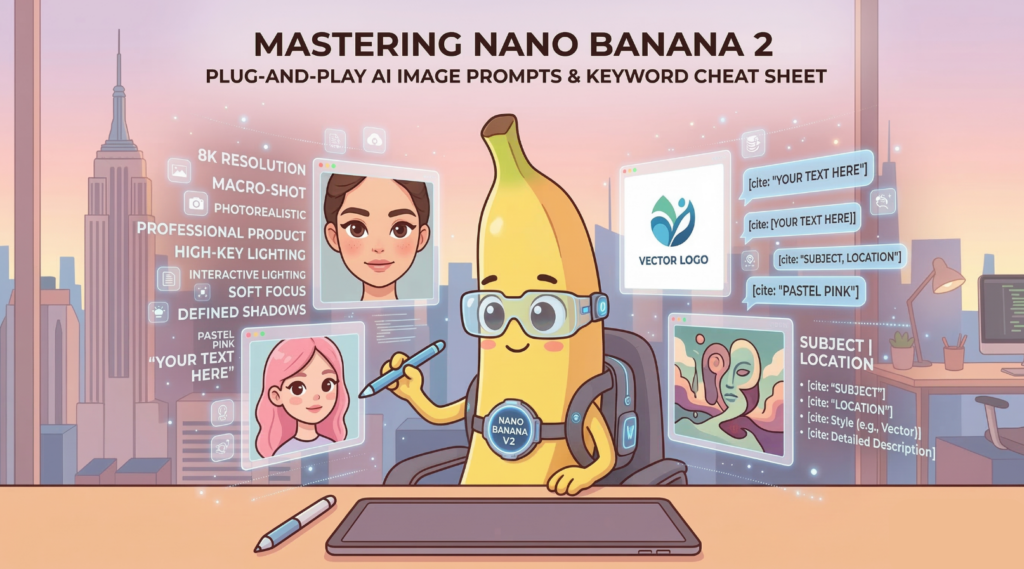
Mastering Nano Banana 2:
Plug-and-Play AI Image Prompts & Keyword Cheat Sheet
If you’ve been experimenting with Google’s AI image generation, you know that getting the exact picture in your head onto the screen can feel like wrestling with a slot machine. The Nano Banana 2 model is incredibly powerful, but it requires precise instructions.
Today, we are taking the guesswork out of it. We are diving into a structured, developer-style approach to prompt engineering. Whether you need photorealistic product shots, clean logos, or dreamy artwork, this guide gives you the exact “cheat codes” you need.
🛠 How to Use These Prompt Templates
Before we jump into the templates, here are the syntax rules for compiling the best results:
- Fill in the blanks: Leave the standard text as-is, but replace anything inside the
[ ]brackets with your specific idea. Be sure to delete the brackets themselves after you make your edits. - Lock in your text: If you want the AI to generate specific typography, put that exact text inside double quotes (
""). This drastically improves spelling accuracy. - Pick one option: If a template gives you choices (like “A or B”), pick the one you want and delete the rest.
📝 4 Plug-and-Play Prompt Templates
1. The “Hyper-Real” Photography Prompt
Use this when you need a lifelike photo of a person, product, or landscape.
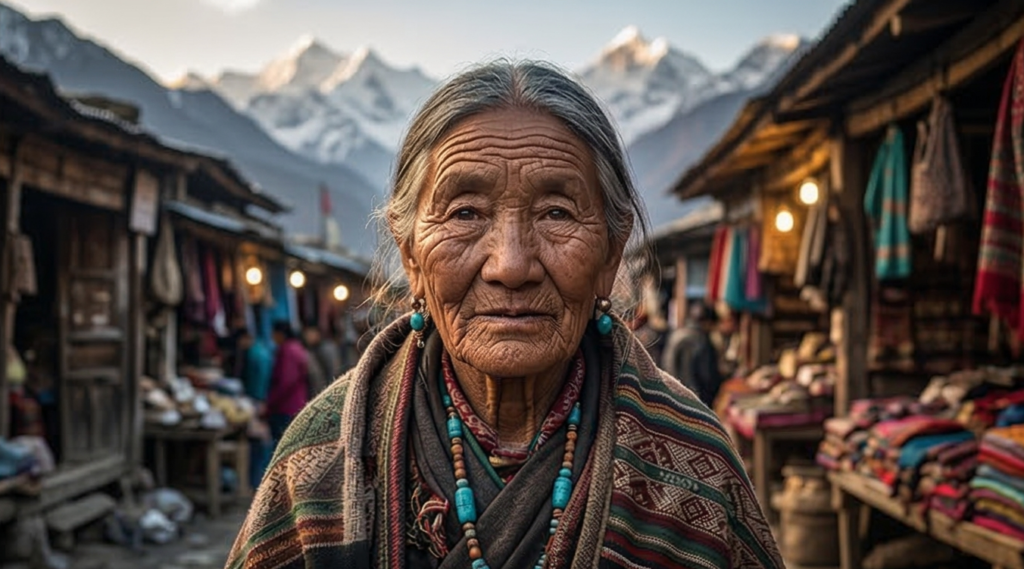
“Draw
[Subject]located in[Location]in a photorealistic, 8k resolution style. Details: Mix Cinematic Lighting and Natural Light. Use an 85mm Portrait Lens effect with a shallow Depth of Field to softly blur the background. Render the skin texture and object materials with hyper-realistic texture.”
2. The Clean Logo & Typography Prompt
Use this when you need graphics, logos, or typography layouts.
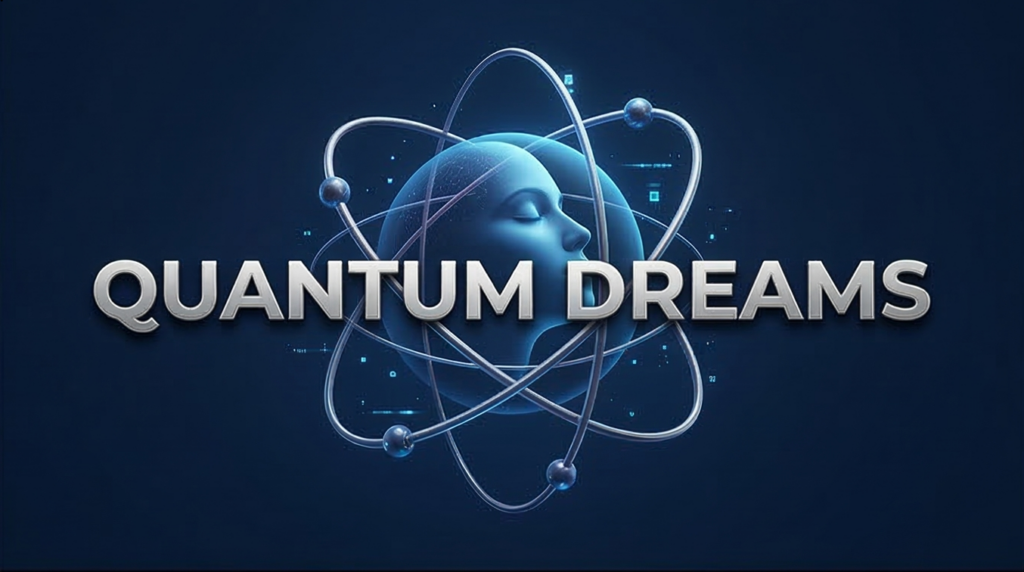
“Design a clean image in a
[Vector Art / 3D Render]style. Text: Place the exact text"YOUR TEXT HERE"at the[center / bottom]of the design using a[Bold Sans-serif]font style. Composition: Use a solid or transparent background so the main subject stands out. Finish it with Commercial Design quality.”
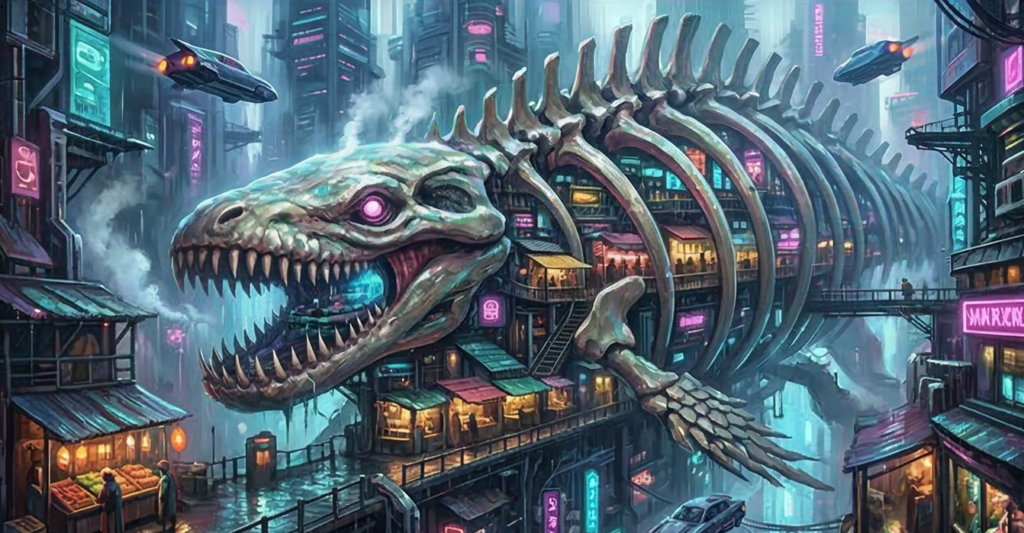
3. The Imaginative Masterpiece Prompt
Use this for creative, artistic, or surreal concepts.
“Create a masterpiece in a
[Oil Painting / Cyberpunk / Watercolor / Anime]style. Scene:[Describe your imaginative scene here]. Mood: Create a dreamy and dramatic atmosphere. Lighting: Use Volumetric Lighting and strong contrast to add depth. Render the intricate details beautifully.”
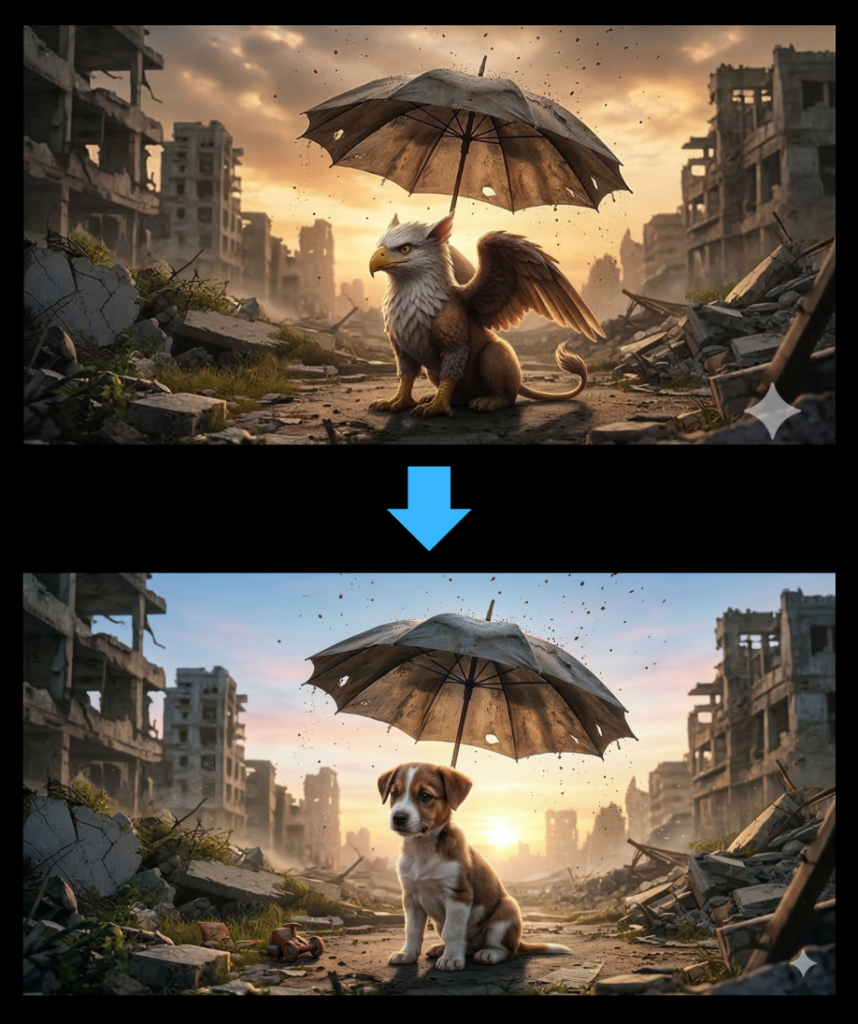
4. The “Tweak It” Prompt (Image Editing)
Use this when your generated image is 98% perfect, but you need to fix one specific thing.
“Keep the overall composition and style of the previously generated image, but modify the following: Changes: Naturally change
[e.g., the cat into a dog / the background from night to day]. Retouching: Apply seamless blending so the edited boundaries look natural, and upscale and enhance details for the overall image.”
🎨 Prompt Analysis: The Core Elements
Want to build your own prompts from scratch? Think of these keywords as variables in your code. Dropping these specific English terms into your prompt will significantly increase your success rate.
0. The Universal “Cheat Codes” (Duplicate Phrases)
These are the non-negotiable keywords that guarantee high-quality outputs across almost any concept.
- Photography Style: Use
Professional commercial product photographyorStudio qualityto set a premium baseline. - Technical Specs: Force the model to output maximum detail with
8k resolutionorHigh resolution. - Technique: Control the camera with
Macro-shotand lock in the clarity withSharp focus. - Background: Keep the attention on your subject using a
Blurred backgroundor aClean studio background.
1. Photography Style & Purpose
This determines the overall “grade” and use case of your image.
- Commercial:
Professional commercial product photographyfor standard, high-end product shots. - Beauty:
Professional beauty advertisement stylefor a glamorous, polished look. - Clinical:
Conceptual, and clinicalfor a very organized, analytical, and pristine vibe.
2. Composition & Angle
This defines where your subject sits and where the AI places the “camera”.
- Up Close:
Macro shotorMacro photographyfor extreme close-ups. - Placement:
Centered verticallyorCentered compositionfor a straightforward, balanced look. - Dynamic:
Lying diagonallyto add energy and movement. - Overhead:
Top-down product photographfor that classic, flat-lay aesthetic. - Framing:
Wide anglefor capturing more context, orRule of thirdsfor a classically stable layout. - Artistic:
Aesthetic compositiontells the AI to prioritize visual harmony.
3. Subject State & Texture
- Softness:
Soft fluffy,Furry, orCotton candy fibersfor plush, tactile surfaces. - Sleekness:
Glossy,Translucent,High gloss finish, orSleekfor smooth, reflective materials. - Granular Detail:
Detailed sugar-grain textureorFine micro-glittersto force the AI to render tiny particles. - Packaging:
Wrapped in tight, glossy plastic filmfor a realistic, retail-ready look.
4. Lighting & Shadows
This dictates the 3D depth and the physical nature of the light.
- Soft/Even:
Soft diffused lightingandSoft diffused shadowsfor gentle transitions. - Bright:
High-keyfloods the scene with bright, cheerful light. - Dramatic:
Defined shadows from a single overhead light sourcecreates sharp, distinct shadows. - Reflective:
High-contrast reflectionsorRay tracingto emphasize shiny textures and realistic light bounces. - Warmth:
Golden hourfor that sunset-style, warm ambient glow.
5. Color Palette & Mood
Inject emotional energy and lock in the color grading.
- Vibrant:
Vibrant pink color palettefor bold, energetic visuals. - Soft & Clean:
Pastel pink and white color paletteorClean solid white. - Fantasy:
Romantic and dreamyor aSurreal sugar-spun world. - Light/Airy:
EtherealorAiry and sweetfor incredibly delicate atmospheres. - Modern:
Minimaliststrips away the clutter for a sleek, modern feel.
6. Technical Specs & Quality
This is where you demand precision from the AI.
- Resolution:
8k resolutionorHigh resolution. - Realism:
Hyper-realisticpushes the image beyond standard photography. - Granularity:
Hyper-detailed textureforces the rendering of microscopic details. - Clarity:
Sharp focus on subjectensures the main element is razor-sharp. - Text Accuracy:
Clean and sharp product labelprevents text blurring or melting.
💡 The Developer’s Mindset: Prompt Debugging
Pro Tip: Treat your prompt like a block of code. When developers debug software, they change one variable at a time. If you generate an image and it’s almost there, don’t rewrite the whole prompt. If the shadows look weird, leave the subject and background keywords alone and only change Soft diffused shadows to Defined shadows from a single overhead light source. Isolating your variables makes prompt engineering predictable rather than random.
📘 The Prompt Engineer’s Glossary
You don’t need a photography degree to use AI, but knowing these four terms will give you massive control over your outputs:
- Macro shot: An extreme close-up. It maximizes visual satisfaction by enlarging microscopic details, like the threads of cotton candy or tiny air bubbles in slime.
- High-key: A lighting technique dominated by bright tones. By minimizing dark areas, it creates a pristine, positive, and radiant atmosphere heavily used in beauty and tech ads.
- Soft focus: Intentionally softening the camera’s focus. This creates a light-bleeding effect that produces a dreamy, fantastical mood.
- Defined shadows: Dark shadows with crisp, clear boundaries. This sharpens the shape of the subject and delivers a striking, minimalist 3D effect.
Missed Part 1? Tree of Thoughts
The trick only 0.1% of users know (74% better results)