CLAUDE CODE · DEEP DIVE
The Guy Who Built Claude Code
Just Shared How He Actually Uses It
Boris Cherny’s CLAUDE.md file, workflow rules, and the best practices
Anthropic’s own team follows daily — broken down for everyone.
⚡ TL;DR
① Boris Cherny (Staff Engineer at Anthropic, creator of Claude Code) publicly shared his workflow
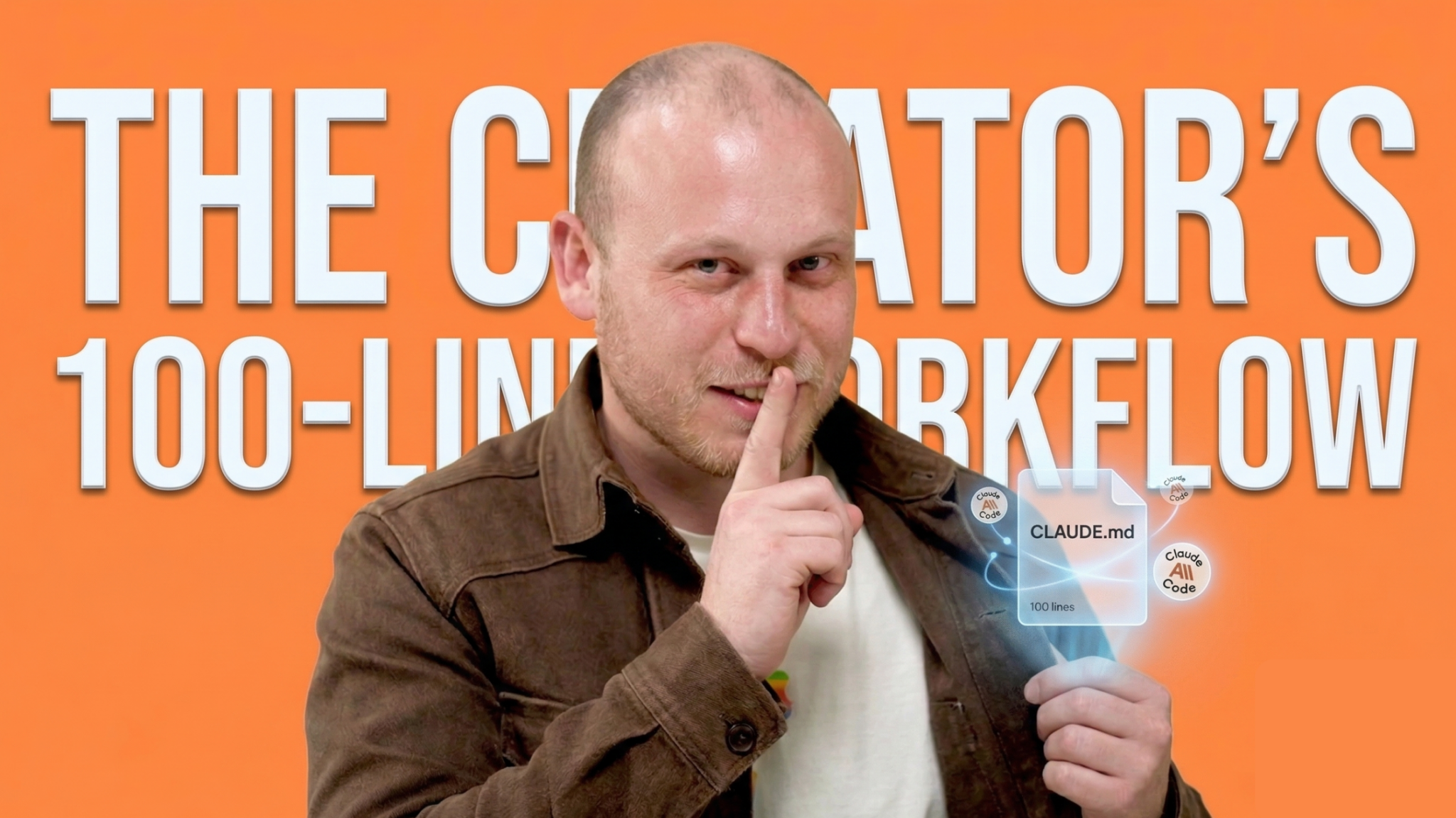
② His CLAUDE.md file is only ~100 lines — but it outperforms most people’s 800-line configs
③ This post breaks down his rules, his official best practices, and gives you his actual .md file to download
🧑💻 Wait — Who’s Boris Cherny?
If you’ve used Claude Code, you’ve used something Boris Cherny built.
He’s a Staff Engineer at Anthropic and the creator of Claude Code — the terminal-based AI coding tool that’s been taking over developer workflows since mid-2025.
In January 2026, Boris did something unusual. He shared his entire Claude Code workflow publicly — how he uses it, how his team at Anthropic uses it, and the exact CLAUDE.md configuration file that powers their daily work.
The internet went a little crazy. And for good reason: when the person who built the tool tells you how they use it, you pay attention.
🔥 His CLAUDE.md file is only about 2,500 tokens (~100 lines)
🔥 He runs 10–15 Claude Code sessions simultaneously
🔥 His team’s rule: “When Claude does something wrong, add it to CLAUDE.md so it doesn’t repeat it”
📄 Part 1: Boris Cherny’s CLAUDE.md File
If you’re not familiar — a CLAUDE.md file is a markdown file you put in your project root. Claude Code reads it automatically at the start of every session. Think of it as a permanent instruction manual for your AI assistant.
Most developers write massive CLAUDE.md files — 500, 800, even 1,000+ lines. Boris’s? About 100 lines. And it works better than all of them.
Why? Because every line earns its place. No filler. No “just in case” instructions. Every rule exists because it solved a real problem.
Here’s what his file covers:
📋 Boris Cherny’s CLAUDE.md — Preview
## Workflow Orchestration
### 1. Plan Mode Default
– Enter plan mode for ANY non-trivial task (3+ steps)
– If something goes sideways, STOP and re-plan immediately
– Write detailed specs upfront to reduce ambiguity
### 2. Subagent Strategy
– Use subagents liberally to keep main context window clean
– One task per subagent for focused execution
– For complex problems, throw more compute at it
### 3. Self-Improvement Loop
– After ANY correction: update tasks/lessons.md
– Write rules that prevent the same mistake
– Ruthlessly iterate until mistake rate drops
### 4. Verification Before Done
– Never mark a task complete without proving it works
– Ask yourself: “Would a staff engineer approve this?”
– Run tests, check logs, demonstrate correctness
### 5. Demand Elegance (Balanced)
– Pause and ask “is there a more elegant way?”
– Skip this for simple fixes — don’t over-engineer
### 6. Autonomous Bug Fixing
– When given a bug report: just fix it
– Zero context switching required from the user
## Task Management
1. Plan First: Write plan to tasks/todo.md
2. Verify Plan: Check in before starting
3. Track Progress: Mark items complete as you go
4. Explain Changes: High-level summary at each step
5. Document Results: Add review section to todo.md
6. Capture Lessons: Update lessons.md after corrections
## Core Principles
– Simplicity First: Make every change as simple as possible
– No Laziness: Find root causes. No temporary fixes
– Minimal Impact: Only touch what’s necessary
📥 Download Boris Cherny’s CLAUDE.md File
Reconstructed from his public sharing. Free to use and modify.
 📘 Part 2: Anthropic’s Official Best Practices
 📘 Part 2: Anthropic’s Official Best Practices
Beyond Boris’s personal file, Anthropic also published an official best practices guide for Claude Code. The core message is surprisingly simple:
The #1 Principle
“Almost all best practices boil down
to one thing: Context Window management.”
Here’s what that means in practice:
🎯
RULE 01
Keep Your Context Lean
Every file Claude reads, every command output, every message — it all eats into your context window. When it fills up, Claude starts “forgetting” earlier instructions. The fix: use subagents for research, start fresh sessions for new tasks, and don’t dump information “just in case.”
🗺️
RULE 02
Always Start with a Plan
The single biggest mistake people make: letting Claude jump straight into coding without a plan. Boris’s team always starts in Plan Mode. Have one Claude draft the plan, then a second one review it “as a staff engineer.” Only then move to execution.
📝
RULE 03
Invest in Your CLAUDE.md
Boris’s golden rule: “Anytime we see Claude do something incorrectly, we add it to CLAUDE.md so it doesn’t repeat next time.” The file is checked into git, shared by the whole team, and updated multiple times a week. It’s a living document — not a one-time setup.
⚡
RULE 04
Run Sessions in Parallel
Boris runs 10–15 Claude sessions at the same time. 5 in terminal tabs, 5–10 on the web, plus a few from his phone. Each session gets its own git worktree so changes don’t collide. This is the team’s #1 productivity tip.
⚙️ Part 3: The Task Management System
Boris doesn’t just throw prompts at Claude and hope for the best. He has a structured 6-step task management loop:
1Plan First — Write plan to tasks/todo.md
2Verify Plan — Check in before starting
3Track Progress — Mark items complete
4Explain Changes — Summary at each step
5Document Results — Review in todo.md
6Capture Lessons — Update lessons.md
The magic is in step 6. Every time Claude makes a mistake and gets corrected, Boris has it write a rule in lessons.md that prevents the same mistake. Over time, Claude literally teaches itself to be better at your specific project.
Boris’s exact prompt for this:
▸ “Update your CLAUDE.md so you don’t make that mistake again.”
That’s it. One sentence. And Claude is, according to Boris, “eerily good at writing rules for itself.”
💬 Part 4: Prompting Like the Creator
Boris’s prompting style is surprisingly aggressive. He doesn’t babysit Claude — he challenges it:
🎤 Boris’s Actual Prompts
▸ “Grill me on these changes and don’t make a PR until I pass your test.”
▸ “Prove to me this works.”
▸ “Knowing everything you know now, scrap this and implement the elegant solution.”
▸ [Pastes bug report] “Fix.” — That’s the whole prompt.
Notice what he’s not doing: he’s not micromanaging. He’s not writing step-by-step instructions. He describes the outcome he wants and lets Claude figure out the how.
His team motto on this: “Don’t babysit.” 🚫👶
🏗️ Part 5: The 3 Core Principles
At the bottom of Boris’s CLAUDE.md are three principles. They’re short, but they shape everything:
Simplicity First
Make every change as simple as possible. Minimal code. If you can delete lines instead of adding them, do that.
No Laziness
Find root causes. No temporary fixes. No band-aids. Hold yourself to senior developer standards.
Minimal Impact
Only touch what’s necessary. No side effects. No introducing new bugs while fixing old ones.
These three rules apply equally whether you’re a developer using Claude Code or a non-technical user working with Claude in any context. The philosophy is universal: do less, do it right, don’t break what works.
🔑 What This Means For You (Even If You Don’t Code)
You don’t have to be a developer to apply Boris’s philosophy. Here’s how these principles translate to everyday Claude usage:
🔹 “Plan before you build” → Before asking Claude to write something, tell it what you want first. Get agreement on the structure. Then execute.
🔹 “Keep context clean” → Start new conversations for new topics. Don’t cram 10 different tasks into one chat.
🔹 “Teach it from mistakes” → When Claude gets something wrong, tell it what to do differently. That correction makes the rest of the conversation better.
🔹 “Don’t babysit” → Give Claude the goal, not step-by-step instructions. Let it figure out the path. You’ll be surprised how much better the output is.
🔮 The Bottom Line
Boris Cherny summed it up perfectly:
“Most people ask: ‘How do I get better output from AI?’
Boris asks: ‘How do I build a system
where AI reliably produces what I need?'”
That’s the difference between using a tool and engineering with one.
Whether you’re a developer running Claude Code in your terminal, or someone who uses Claude for writing, research, or business — the principle is the same: build a system around the AI. Give it memory. Give it rules. Challenge it. Let it learn. And keep it simple.
The creator built it this way. Now you know how to use it.
📥
Download Boris Cherny’s CLAUDE.md
Reconstructed from his public sharing. Free to use, modify, and make your own.
⭐ Claude Just Killed the $600 AI Mac Mini Trend (For $20/mo)