Productivity · AI Workflow
Stop Retyping the Same Prompt. Build a Factory Instead.
The difference between people who get real leverage out of AI and people who don’t usually comes down to one habit: they stop prompting, and start building systems.
Here’s a pattern almost everyone falls into. You write a great, detailed prompt to make a social carousel. It works. The next day you want another one — so you dig through your history, find the old prompt, paste it, tweak it, and run it again. And again. You’re doing setup work every single time.
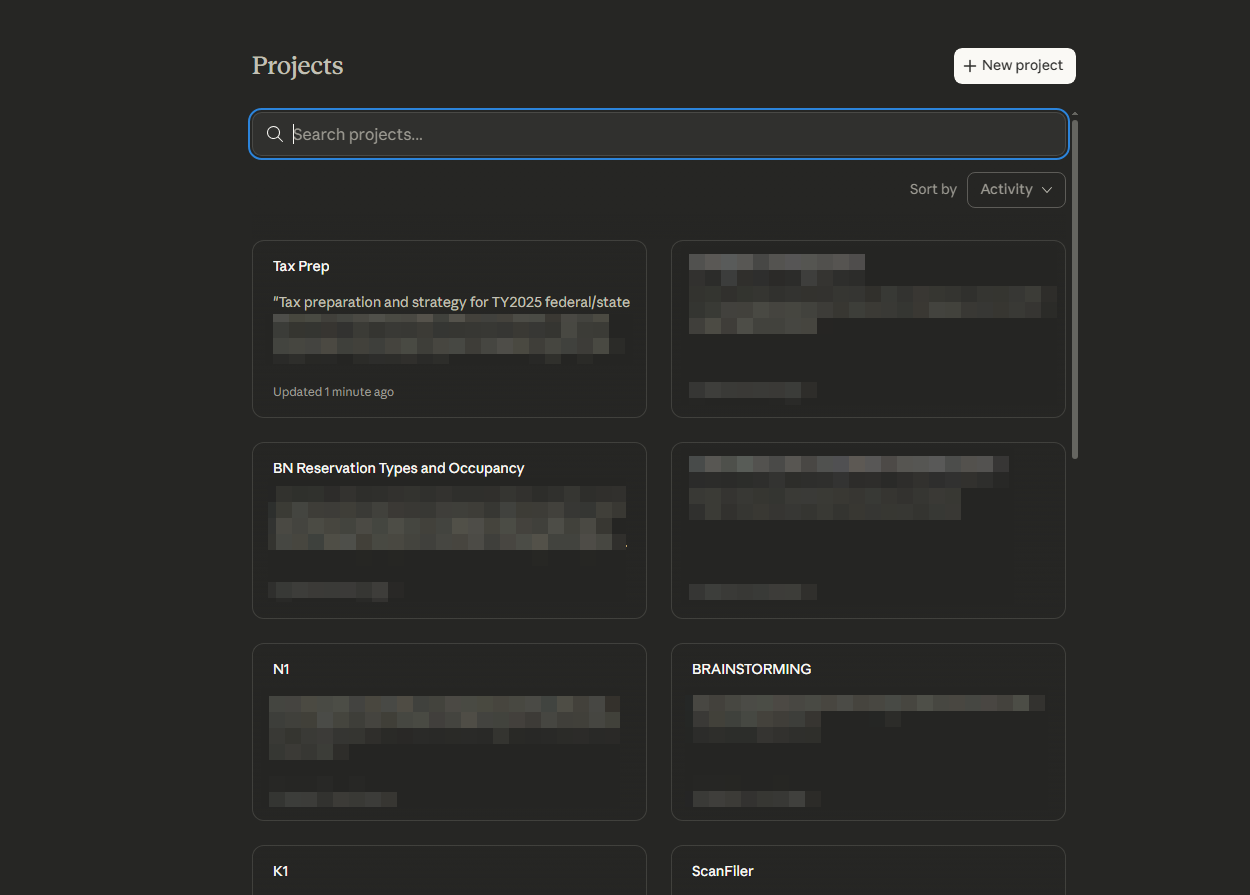
There’s a much better move, and it’s been sitting inside Claude the whole time: Projects. Instead of re-explaining what you want on every run, you explain it once, save it, and then just feed in the topic. The setup becomes a tool you reuse, not a tax you keep paying.
The clearest example going around right now is a “carousel factory” — a project that turns any topic into a finished, on-brand 10-slide carousel. Let’s build the idea.
What a Project actually is
A Project is a persistent workspace inside Claude with its own instructions and memory. Unlike a normal chat that starts cold every time, a Project carries a fixed brief into every conversation you start inside it. Those project instructions are the magic: roughly 8,000 characters (about 2,000 words) of rules Claude follows automatically, plus room to upload reference files. Projects are available on every plan — free accounts get up to five.
So a carousel factory is just a Project whose instructions say, in detail, “you are a carousel designer; here is exactly how I want every carousel built.” Once that’s in place, your day-to-day input shrinks to a single line: the topic.
Building it in three moves
1. Create the project and name it. In Claude, open Projects, click New Project, and call it something like “Carousel Maker.”
2. Set the model to your strongest one. A carousel isn’t just text — it’s copy, slide flow, visual hierarchy, and a closing call-to-action all at once. That’s exactly the kind of multi-layered task where a top-tier model (Opus 4.8) produces noticeably more stable results than a lighter one. This is the rare case where the model choice genuinely matters.
3. Paste your design instructions. This is where the real work lives, and it’s a one-time cost. Good instructions don’t just say “make a carousel” — they define the whole system: the structure of a strong post, the tone, the format, and the things to never do.
The default the factory should produce
A complete 10-slide carousel, sized 4:5 vertical (1080 × 1350 px) for Instagram, Threads, and LinkedIn. Slide 1 is a scroll-stopping hook, the middle slides deliver one idea each, and the final slide lands a clean call-to-action. One topic in, a full set out.
What to put in the instructions
The instructions are the product. The strongest versions spell out a slide-by-slide skeleton so the output reads like one story, not a list of facts: a sharp hook, then tension or an open loop, then the common mistake the reader makes, then a fresh insight, a concrete example, the core payoff, a practical how-to, and a natural closing ask. They also lock the voice — short sentences, one idea per slide, confident but not hype-y — and, crucially, a “do not” list: no fake statistics, no invented quotes, no shallow motivational filler.
That last part is what keeps the output from feeling AI-generated. You’re not asking Claude to be creative from scratch; you’re handing it a strong editorial system and letting it fill in the topic.

The honest limits
This is a draft engine, not a finished design studio — and treating it that way is what makes it useful.
⚠️ Know this going in
AI still renders on-screen text imperfectly, especially in non-Latin scripts like Korean — so plan to fix copy in a real editor, or have the system output clean HTML/CSS slides you screenshot. And the first version of your instructions won’t be perfect; you’ll tune them after a few runs. The leverage comes from improving one set of instructions over time, not from any single prompt.
Is this worth doing for you?
| ✅ Build the factory | ⚠️ Just prompt once |
|---|---|
| You post carousels weekly and want a consistent look | You need exactly one carousel, one time |
| You’re tired of re-explaining your style every run | Your format changes completely every single time |
| You want output you can hand off or scale later | You enjoy hand-crafting each post from scratch |

The bigger shift
The carousel is just the example. The real idea is that the highest-leverage way to use AI isn’t writing a better prompt — it’s turning a good prompt into a reusable system. Any task you repeat with the same rules — weekly newsletters, client briefs, product descriptions, research summaries — is a candidate. Build the instructions once, refine them as you go, and every future run starts from a one-line request instead of a blank page. That compounding is where the time actually comes back to you.
TL;DR
Don’t keep retyping a long prompt. Create a Claude Project, set it to your strongest model, and paste a detailed set of design rules into the project instructions once. After that, a single topic produces a full, on-brand 10-slide carousel — a system you improve over time, not a prompt you rewrite forever. Just remember it’s a draft engine: review and polish before you publish.
Build your first factory today
☑ Create a new Project named “Carousel Maker”
☑ Set the model to your strongest option (Opus 4.8)
☑ Paste detailed instructions: slide structure, voice, and a “do not” list
☑ Default the output to 10 slides at 1080 × 1350 px
☑ Run it, then refine the instructions after 3–5 topics
Want more ways to turn AI into real leverage?
We break down one practical AI workflow like this every day — no hype, just what’s worth your time.