A brand-quality website used to need two people you couldn’t afford. Now it needs one conversation.
Claude Design makes it look good. Claude Code makes it actually work. Together they can ship an animated landing page in about 30 minutes — and you don’t write a line of code.
Here’s the thing nobody warns first-time founders about: the website is rarely the hard part. Getting the website is. You need a designer to make it not look like a template, and a developer to make the buttons work and the animations smooth. Two hires, two timelines, two invoices — before a single customer sees anything.
That gap is exactly what Anthropic went after. On April 17, 2026, it launched Claude Design, an Anthropic Labs product powered by its Claude Opus 4.7 vision model. It lets you create polished visual work — landing pages, prototypes, slide decks — just by talking to Claude. And when the design is ready, it hands off to Claude Code to build the real, working thing.
Why this combo beats a single AI tool
Plenty of tools spit out a webpage from a prompt. The problem is they stop there — you get a pretty mockup that doesn’t really run, or working code that looks like every other AI site on the internet. The magic here is the division of labor.
Think of Claude Design as the studio: it’s where the look, the layout, and the brand feel get nailed down through conversation, inline comments, and live sliders. Then Claude Code is the build team: it takes the handoff and implements the real interactions, logic, and precise animations. Anthropic says the handoff bundle preserves “design intent, component choices, and architectural decisions” — so the developer side builds on your work instead of reinterpreting it from a screenshot.
One designer at Brilliant, an early user, reported that pages which took 20+ prompts to recreate in other tools needed just 2 in Claude Design. That’s the kind of gap that turns a week of back-and-forth into an afternoon.
The 30-minute workflow, step by step
Step 1 — Steal taste before you prompt. This is the step everyone skips and then wonders why their site looks generic. Before you type anything, collect at least 3 reference images from Pinterest, Design Spells, or designer portfolios that match the mood you want. One reference makes Claude copy; three or more let it blend a direction that feels original.
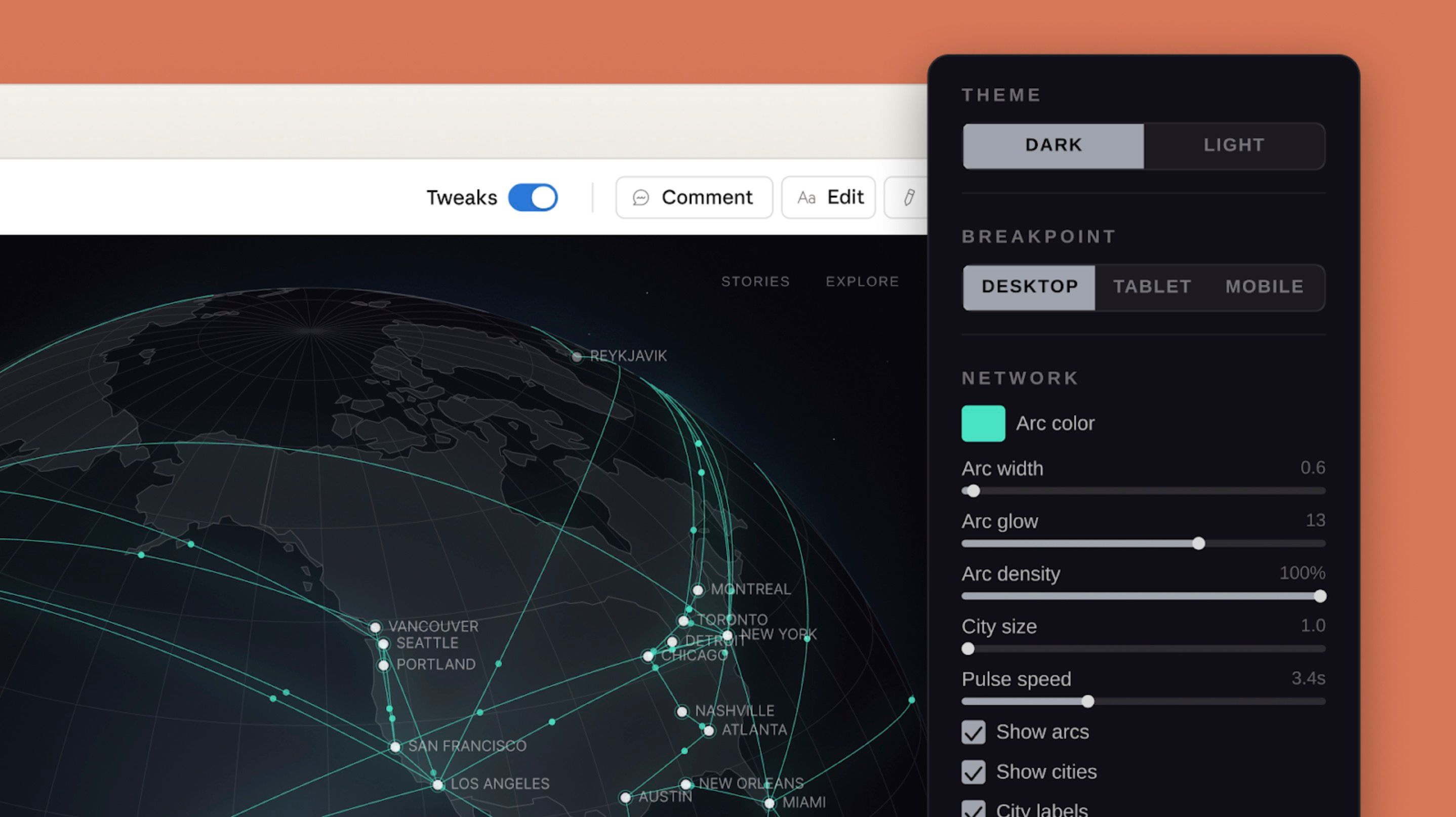
Step 2 — Draft in Claude Design. Start a project and choose High Fidelity over wireframe so you’re refining a near-final look, not a sketch. Structure your prompt as brand identity, then the sections you need (hero, product, testimonials, pricing), then the mood — and attach those reference images. Don’t love it? Ask for “completely different styles, listed first” and you’ll get Y2K, bold-pop, and more in seconds. Then fine-tune three ways: Edit (click an element, change it), Comment (point at a region, request a fix), and Tweaks (sliders for spacing, color, rotation — and crucially, these don’t burn tokens, so polish endlessly).
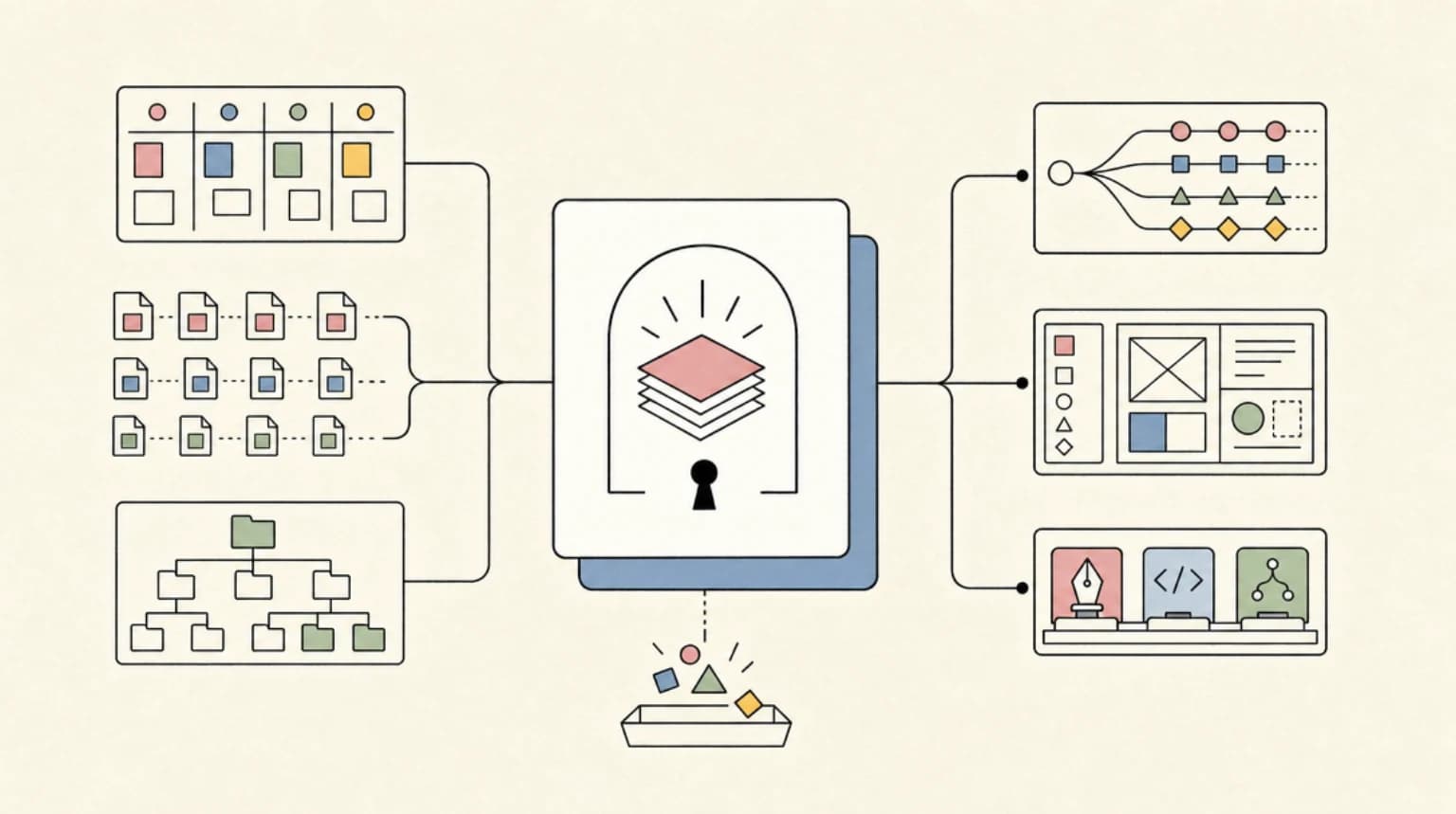
Step 3 — Hand off to Claude Code. Once the design is locked, don’t keep building inside Claude Design — that wastes tokens. Use Share → Handoff to Claude Code, paste the command into your editor’s terminal (VS Code or Cursor), and you get real source code with the layout, fonts, and tweak settings intact. Drop your actual product photos into an input folder and tell Claude Code to place them and match the text. Done in one instruction.
Step 4 — Layer the wow. Grab an open-source animation you like, then give Claude Code a tightly scoped order: tell it exactly what to change and what to leave alone (“apply only this card-rise effect, don’t touch the section’s base design”). The showpiece move is a scroll-triggered media expansion — a full-bleed image opens as you scroll and reveals a looping background video. That’s the detail that makes a 30-minute site feel like a six-figure one.
The honest limitations
⚠️ Before you get carried away:
Claude Design is a research preview on paid plans only (Pro, Max, Team, Enterprise), and it counts against your usage — heavy sessions burn through limits fast. The token-saver: keep the Design System feature off early and split work cleanly between the two tools. Export is plain HTML and CSS, not React or Vue, so framework teams bring their own adapter. It’s cloud-only (a real consideration for private repos), there’s no version-diff yet, and fancy animations aren’t always production-ready on the first pass.
So, is this for you?
| ✅ A great fit if you… | ⚠️ Think twice if you… |
|---|---|
| Are a solo founder or marketer who needs a sharp landing page yesterday | Need clean React/Vue components dropped straight into an existing app |
| Are a designer wanting to explore ten directions without coding any of them | Work under strict data-residency rules that bar cloud processing of your repo |
| Already pay for Claude and want design + build in one place | Are on a free plan or watching every token this month |
Why it matters beyond one webpage
Zoom out and a pattern shows up. With Claude Design, plus the handoff to Claude Code, Anthropic is building a layer above the model where the output is structured artifacts — design systems, style guides, reusable components — not just chat transcripts. As one developer put it, the moat in 2026 isn’t the model itself; it’s the structured context you keep around it.
For a small team, that’s the real opportunity. The people who win won’t be the ones with the biggest design budget — they’ll be the ones who learn to direct these tools well: gather the right references, scope their requests, and keep design and code in their proper lanes. The skill is shifting from making to directing.
TL;DR
Claude Design handles the look and hands off to Claude Code to build a real, animated site — roughly 30 minutes, no code. Genuinely powerful for solo founders and marketers, with research-preview rough edges and a paid-plan price tag.
Your 30-minute checklist:
☐ Collect 3+ reference images first · ☐ Start in High Fidelity, not wireframe · ☐ Polish with free Tweaks before prompting again · ☐ Hand off to Claude Code for animation and real images · ☐ Keep the Design System off early to save tokens
Want AI tool walkthroughs that skip the hype?
We test what’s actually worth your time and write it up plainly.