AI DESIGN TOOL · DEEP DIVE
Google Stitch Just Made Figma Sweat.
Here’s Why — and How to Use It Right Now.
The free AI design tool that wiped $2 billion off Figma’s market cap in a single day.
What it does, how it works, and why you should try it today.
⚡ TL;DR
① Google Stitch 2.0 lets you design full UI screens by describing what you want — no wireframes, no Figma skills needed
② It generates high-fidelity designs, interactive prototypes, AND production-ready code — for free
③ New features: Voice Canvas, infinite canvas, DESIGN.md export, MCP integration with Claude Code and Cursor
④ It’s free during beta (350 generations/month). All you need is a Google account.
 💰 Why Did Figma’s Stock Drop 10% in One Day?
 💰 Why Did Figma’s Stock Drop 10% in One Day?
On March 18, 2026, Google updated a tool most people had never heard of. Figma’s stock dropped 10% — erasing roughly $2 billion in market value — in a single trading session.
The tool? Google Stitch 2.0.
What spooked the market wasn’t just another AI design toy. It was the combination of three things that made investors nervous:
1. It’s genuinely good. High-fidelity UI from plain English. Not wireframes — production-quality screens.
2. It’s free. 350 generations per month. No credit card. Just a Google account.
3. It’s Google. Backed by Gemini 3.0, connected to Google’s entire AI ecosystem.
Let’s break down what Stitch actually does, how to use it, and whether it lives up to the hype.
 🎨 What Is Google Stitch, Exactly?
 🎨 What Is Google Stitch, Exactly?
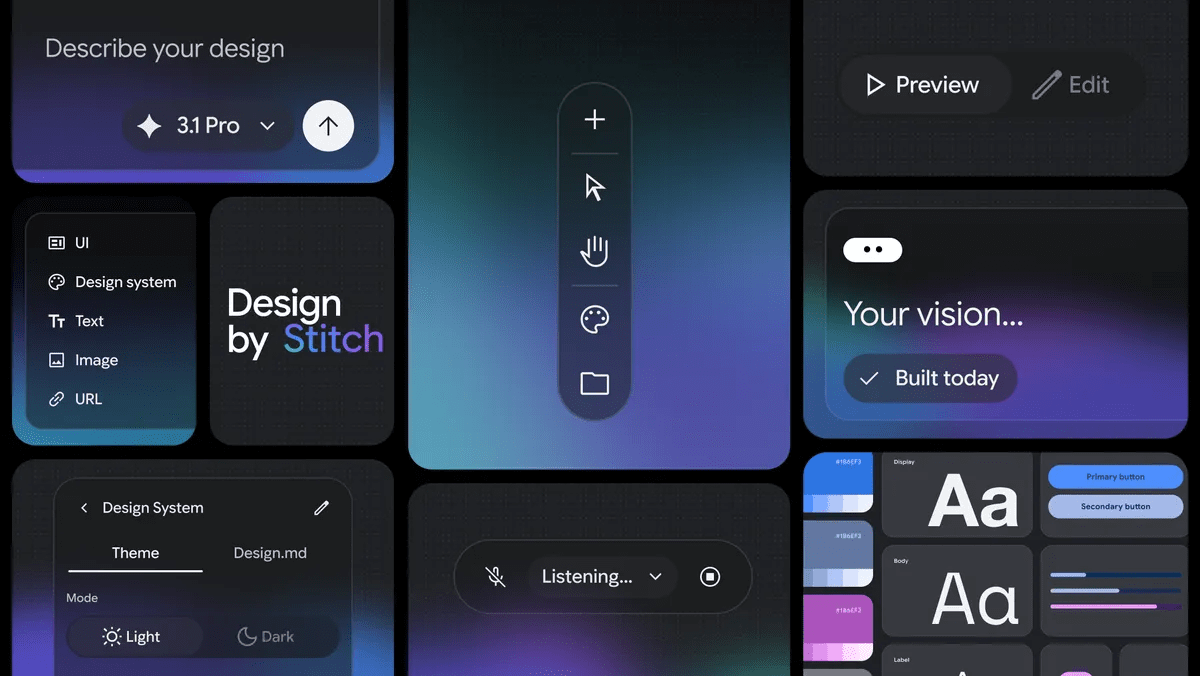
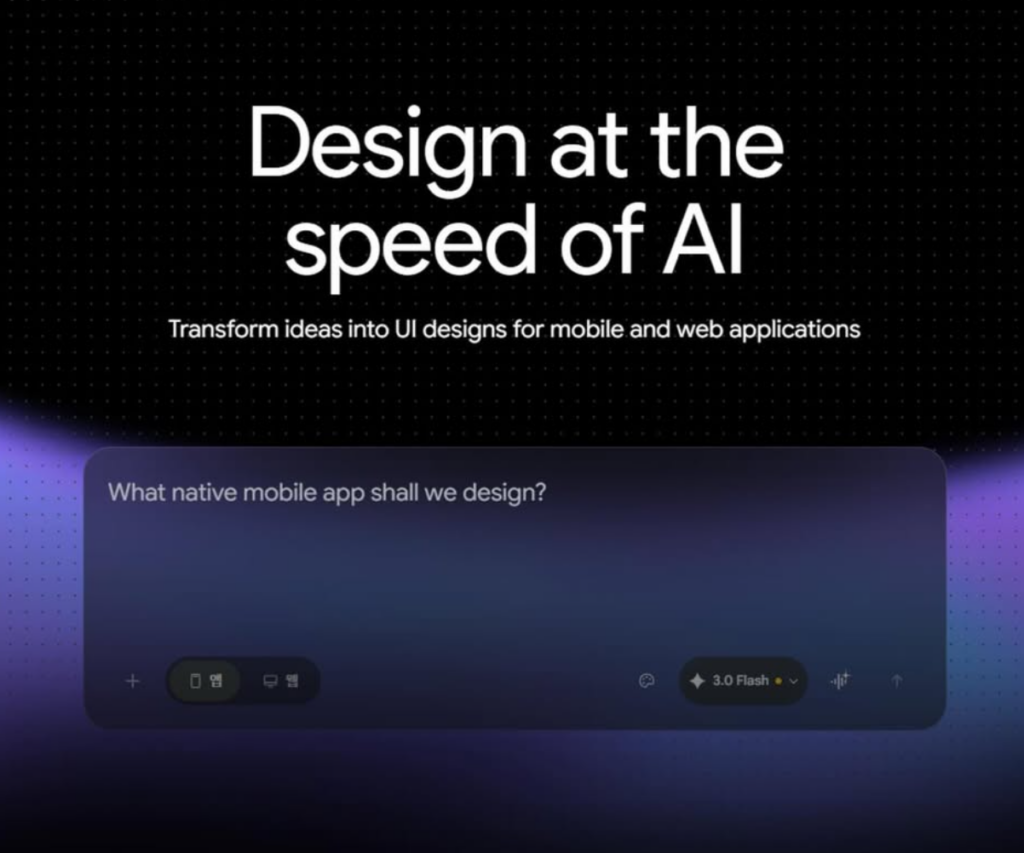
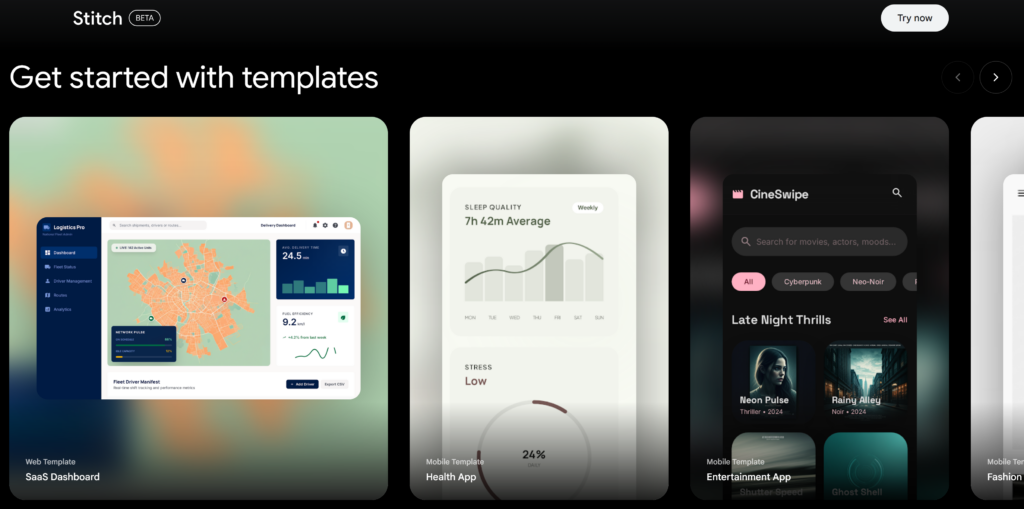
Stitch is an AI-native UI design platform from Google Labs. It turns natural language descriptions, images, sketches, and even voice commands into polished, editable interface designs and working code.
The concept behind it is what Google calls “Vibe Design” — and it’s a fundamentally different approach to how design starts:
❌ Traditional Design (Figma): Open blank canvas → draw rectangles → pick fonts → arrange layout → iterate for hours → hand off to developer
✅ Vibe Design (Stitch): Describe what you want (“premium and minimalist, like Stripe’s dashboard”) → AI generates multiple high-fidelity directions → pick one → refine → export code
Instead of starting with a wireframe, you start with intent. What should the user feel? What’s the business goal? What’s inspiring you right now? Stitch takes that and generates real UI — not placeholder mockups.
A quick origin story: Stitch grew out of Galileo AI, a startup Google acquired in May 2025. Galileo was already popular for turning prompts into UI concepts. Google rebuilt it on top of Gemini, added code export and Figma integration, and launched it as a free Google Labs product.
🚀 The 6 Features That Make Stitch Dangerous
🎙️
FEATURE 01
Voice Canvas — Design by Talking
Speak directly to your canvas. Say “make the dashboard darker and show me two menu options” — and watch the AI update the design in real time. It’s not just voice-to-text. The agent sees your canvas, asks clarifying questions, offers critiques, and interviews you about your goals.
💡 Why it matters: Early-stage exploration is messy. Typing precise prompts feels too restrictive. Voice lets you think out loud while the AI builds — like brainstorming with a designer who works at 100x speed.
♾️
FEATURE 02
Infinite Canvas — Your Ideas Have Room
Drop anything onto the canvas — screenshots, text notes, code snippets, competitor URLs, even photos of whiteboard sketches. Everything becomes context that the AI reasons against when generating designs. Your project grows from rough idea to polished prototype without ever leaving Stitch.
💡 Why it matters: No more switching between Miro for brainstorming, Figma for design, and another tool for prototyping. One canvas, start to finish.
⚡
FEATURE 03
Instant Prototyping — Click Play
Connect screens, hit “Play,” and walk through a clickable prototype. But here’s the magic: Stitch can automatically generate the logical next screen. Have a login screen? It imagines and builds the home screen that follows. A product page? It generates the checkout flow. Full user journeys in minutes.
💡 Why it matters: You can show stakeholders a working prototype before a single line of code is written. That changes the entire feedback dynamic.
🤖
FEATURE 04
Agent Manager — Parallel Design Directions
Instead of generating one layout and iterating sequentially, Agent Manager runs three design variants simultaneously. Diverge in minutes, not days. Compare directions side by side, pick the best one, and keep iterating. This alone makes Stitch one of the fastest design exploration tools available.
🎨
FEATURE 05
DESIGN.md — Your Portable Brand System
This is the sleeper feature that developers will love. DESIGN.md is a markdown file that captures your design tokens — colors, fonts, spacing, component patterns — in a format that AI coding tools can read. Export it from Stitch, drop it into Claude Code, Cursor, or Gemini CLI, and the coding agent matches your visual system without being told twice.
💡 Why it matters: The biggest pain point in AI-generated UI has been: “it looks great in isolation, but falls apart inside a real design system.” DESIGN.md is Google’s answer — a portable brand rulebook that travels between tools.
📦
FEATURE 06
Export Everywhere — Figma, Code, MCP, and More
Every design in Stitch produces clean HTML/CSS code. But the export options go way beyond that: Figma (with named layers and Auto Layout — not a flat image), Google AI Studio, Antigravity IDE, ZIP download, clipboard copy, and MCP server integration. The MCP connection is huge — it means Claude Code and Cursor can pull Stitch designs directly into their workflows.
🛠️ How to Actually Use Stitch — A Quick-Start Guide
Ready to try it? Here’s how to go from zero to a working prototype in about 10 minutes.
Getting Started
1Go to stitch.withgoogle.com and sign in with your Google account
2Create a new project — you’ll land on the infinite canvas
3Type your first prompt — start with intent, not specifications
4Explore, refine, connect screens, hit Play — you’ve got a prototype
The key is how you prompt. Here are examples that actually work well:
🎯 Prompts That Get Great Results
▸ “A SaaS dashboard for project management. Clean, minimal, Notion-inspired. Dark mode.”
▸ “Mobile onboarding flow for a fitness app. Friendly, energetic, 4 screens.”
▸ “E-commerce product page. Premium feel like Apple Store. Focus on the hero image.”
▸ “Landing page for an AI writing tool targeting content marketers. Trust signals, pricing table, testimonials.”
Notice the pattern: describe the feeling, the audience, and the reference — not the pixels. That’s vibe design in action.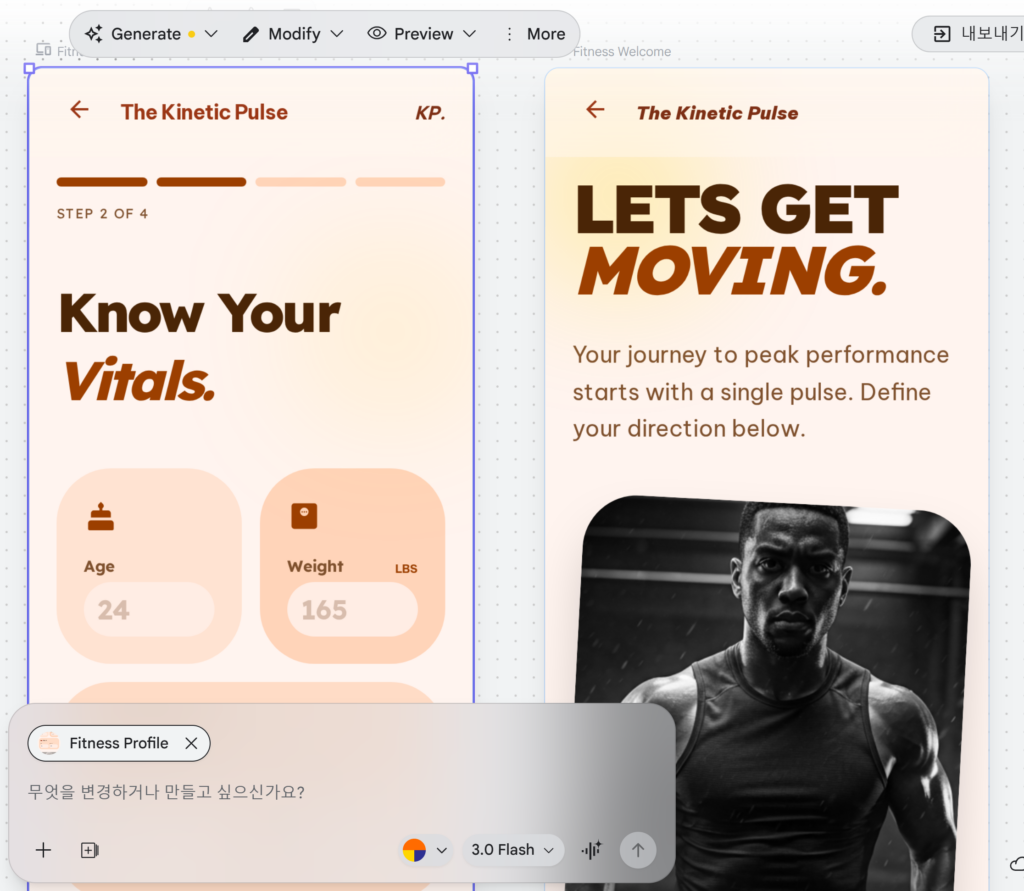
🔄 The Recommended Workflow in 2026
Stitch is powerful, but it’s not meant to replace every tool in your stack. The smartest workflow right now looks like this:
→
🎨 Refine in Figma
→
💻 Build with Code
Explore fast in Stitch → Polish in Figma → Export DESIGN.md → Code in Claude Code / Cursor / Antigravity
Use Stitch for the divergent phase — when you need ten directions fast. Use Figma for the convergent phase — when you need pixel-perfect precision and shared component libraries. Use DESIGN.md as the bridge between design and code.
🎯 Who Should Actually Use This?
🏢 Startup Founders
Go from “here’s my idea” to a clickable prototype in 10 minutes. Show investors something real before spending a dollar on development.
📊 Product Managers
Visualize features before writing specs. Use Agent Manager to explore three directions simultaneously and walk stakeholders through a prototype in your next meeting.
🎨 Designers
Use it as a high-speed exploration tool. Generate 10 design directions in the time it takes to wireframe one. Then bring the best into Figma for precision work.
👨💻 Solo Developers
Skip the “I need a designer” bottleneck. Generate UI, export DESIGN.md, feed it to Claude Code or Cursor, and build with consistent visual standards — all solo.
⚔️ Stitch vs. the Competition
The honest take: Stitch doesn’t replace Figma. Not yet. Figma still wins for team collaboration, shared component libraries, version history, and production design system management. But Stitch dominates the early exploration phase — and the speed gap is staggering.
⚠️ What Stitch Can’t Do (Yet)
🔸 Generation limits. Free beta gives you 350 standard + 50 experimental generations per month. Enough for exploration, but not for production-scale work.
🔸 No multiplayer editing. You can share prototypes publicly for remixing, but real-time collaborative editing like Figma isn’t here yet.
🔸 Design system extraction can be buggy. Generating a custom design system from a URL sometimes hits technical limits. The feature is improving but not 100% reliable.
🔸 AI can be “too imaginative.” Auto-generated next screens are fast but sometimes overshoot your intent. You’ll need to steer it with specific instructions using “Edit with AI.”
🔸 Still in Google Labs. No SLA, no guaranteed uptime, no official enterprise pricing yet. Likely coming late 2026.
🔮 The Bottom Line
Google Stitch isn’t trying to be a better Figma. It’s trying to make the question “do I need Figma?” irrelevant for a huge chunk of use cases.
If you’re a founder who needs a prototype for a pitch deck — you don’t need Figma. You need Stitch.
If you’re a developer who wants consistent UI without waiting on a designer — you don’t need Figma. You need Stitch + DESIGN.md.
If you’re a product manager who wants to show three directions at tomorrow’s meeting — you don’t need Figma. You need 10 minutes with Stitch.
Design used to be a specialist skill.
Now it’s a thinking skill.
And it’s free.
Go to stitch.withgoogle.com, type what you’re building, and see what happens. You might not go back.
📎 Resources
🔗 Google Stitch — Try it now (free)
🔗 Google’s Official Stitch 2.0 Announcement
⭐ Claude Just Killed the $600 AI Mac Mini Trend (For $20/mo)