
Unlock 3 Months of Gemini Advanced for $49: The Coursera Guide
Published · 5 min read
Gemini Pro free trialIf you’re looking for a Gemini Pro free trial, there’s a little-known trick going around that lets you score 3 months of access by registering for a $49 course. While it’s not completely free, paying $49 upfront to get a $60 value is still a solid deal.I’ll walk you through exactly how to sign up and activate your 3-month trial step-by-step. (Just remember to cancel the course subscription afterward so you don’t get billed for a second month!)Let’s get into it. Get Started Sign up for the Google AI CourseWhat You’ll Need
- A Google account
- A valid credit or debit card
- About 10–15 minutes
⚠️ Heads Up Before You Start
The course you’ll sign up for charges $49 immediately (there is no 7-day free trial). However, since 3 months of Gemini Advanced normally costs $60, you’re still getting a great deal! I highly recommend setting a reminder to cancel it right away so you don’t forget.
Step 1: Go to the Sign-Up Page
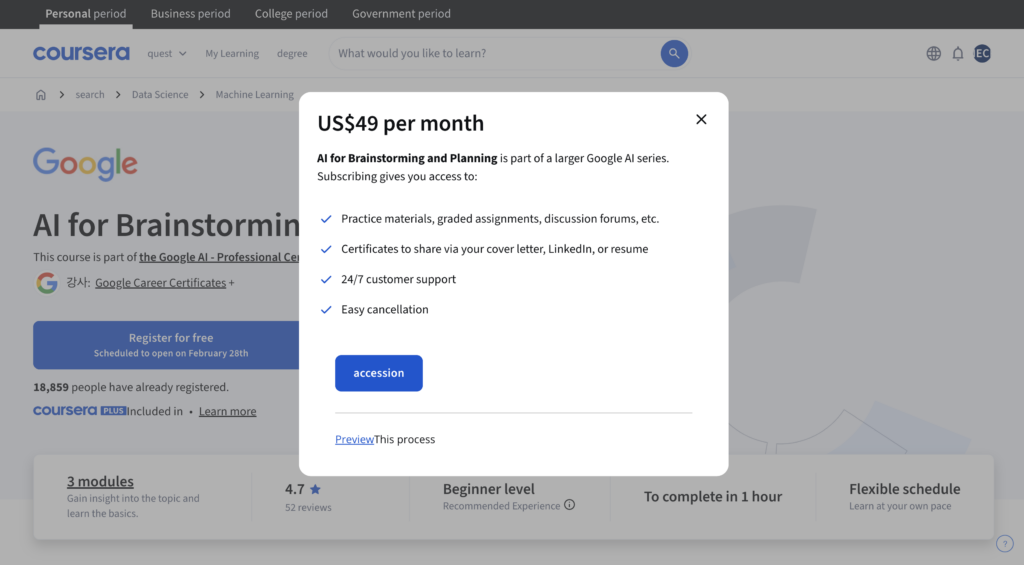
Head to the course site linked below. If you’re outside the US, the page might show up in another language — just hit the Translate button in Chrome (top right corner) to switch it to English. Makes the whole process way easier.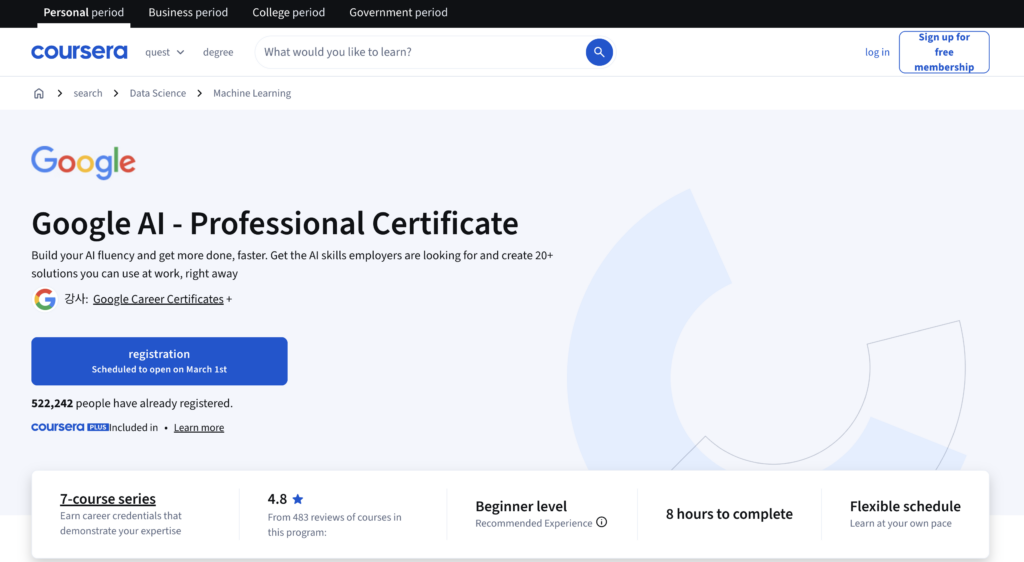 Once you’re there, look for a button that says something like “Registration” or “Sign up for free.” Click it.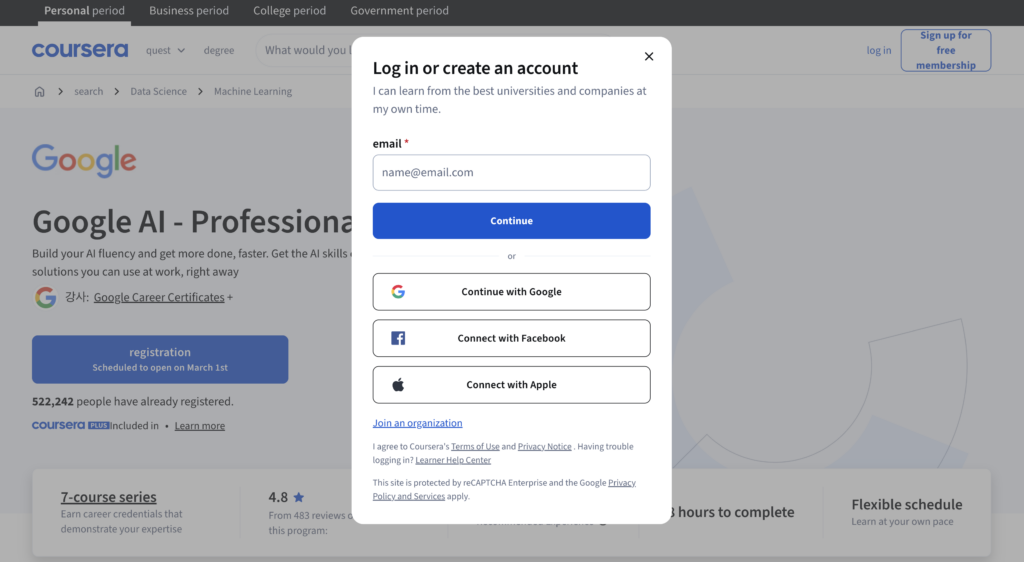
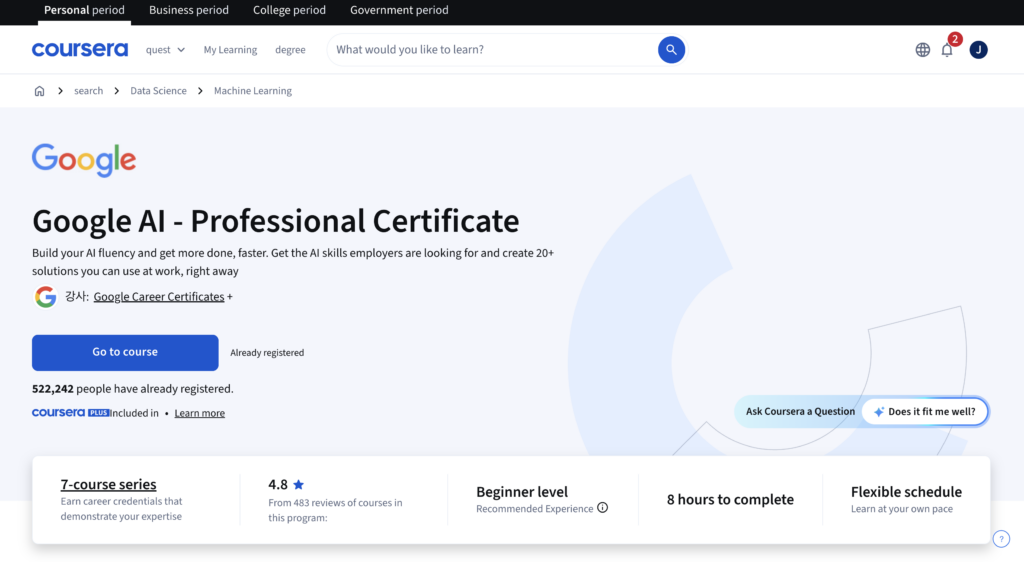 Click the button to go to the Google course.
💡 Sign In to Continue
A login popup will appear. The easiest way is to click “Continue with Google” and sign in with your existing Google account. No need to create a new account!
💡 Tip: If the page looks weird or the buttons aren’t loading, try opening it in an incognito window or a fresh Chrome tab.
Step 2: Register for the AI Course
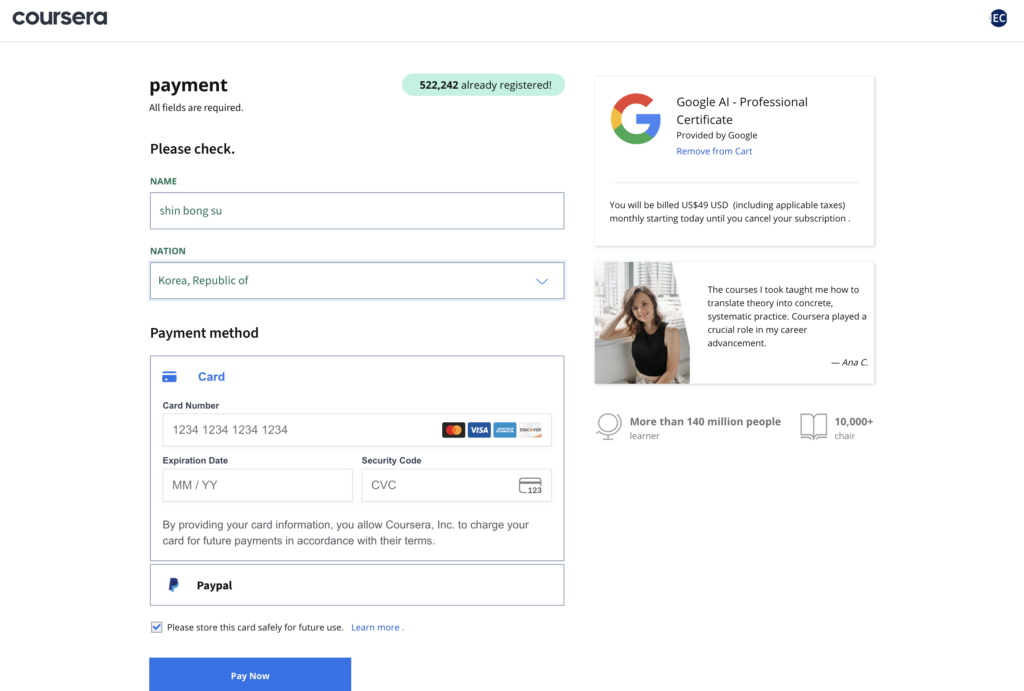
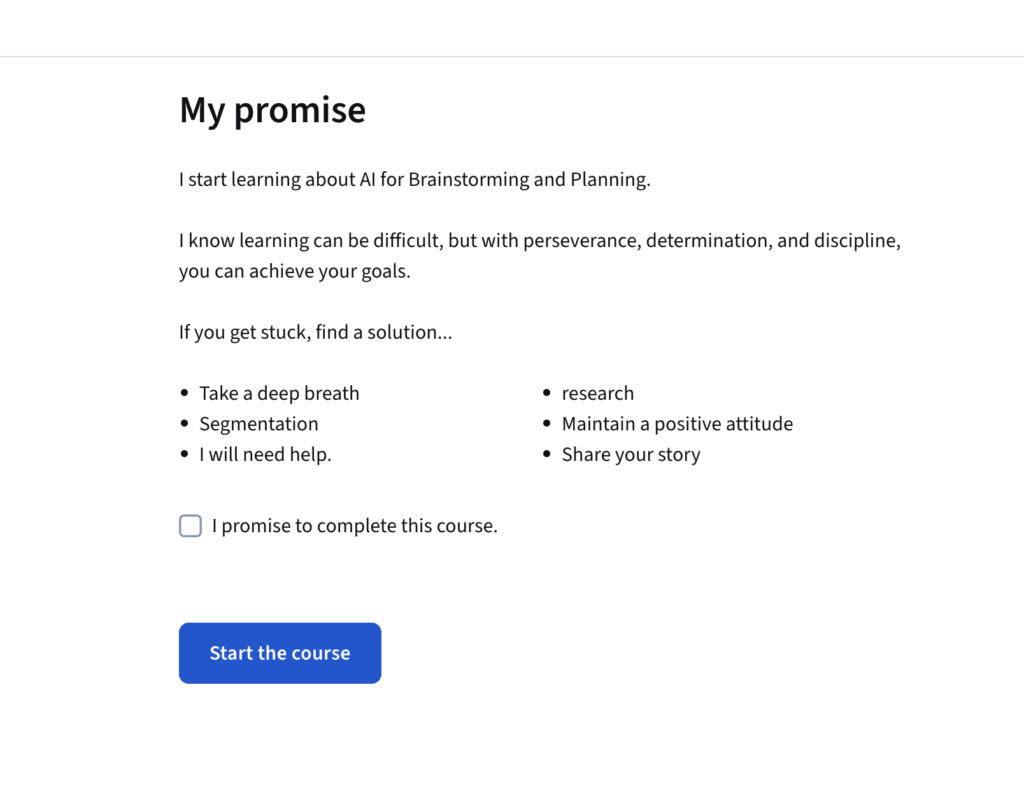
After clicking sign up, you’ll proceed to the course enrollment. Accept the offer of enrollment — which may say ‘7-day free trial’ but is a trick and will charge you immediately — as it’s the path to your Gemini trial. You’ll see a large blue button labeled ‘Register for free’. In the next popup, click ‘accession’. Finally, you’ll need to enter your card details and pay $49 upfront. This secures your access and moves you to the next phase.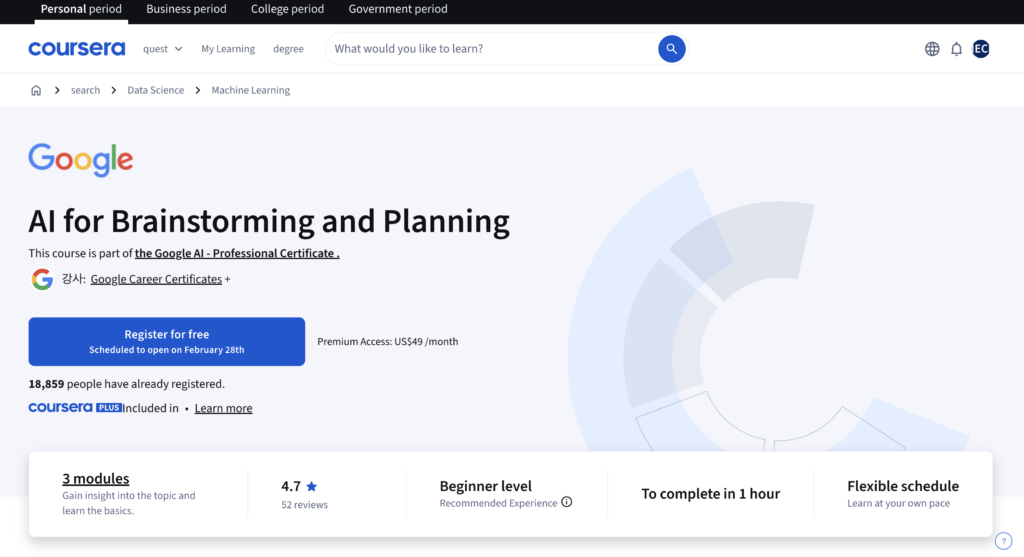
Step 3: Start the “AI Fundamentals” Course
Once you are enrolled, navigate to the “AI Fundamentals” course from your dashboard. Click on the first module to begin your learning journey.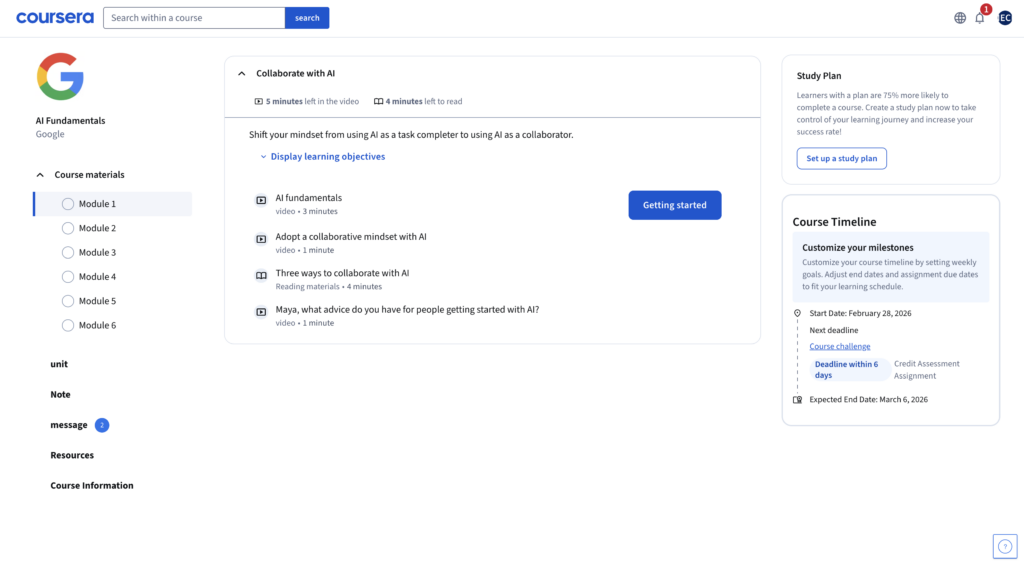
Step 4: Complete the Course Materials
You will see a series of video lectures and reading materials. Tip: If you want to get to the free trial quickly, you don’t actually have to watch every video. You can simply click into the video and drag the progress bar all the way to the end to mark the lesson as complete.
Step 5: Reach the Lab Assignment
Keep progressing through the modules until you unlock the section titled “Complete labs with Google AI Pro at no cost.” Once you’re there, click the blue “start” button.
Step 6: Agree to the Honor Code
Scroll down the assignment page and follow these quick steps:- Select “Yes” under “Did you complete this activity?”.
- Check the box for the Coursera Honor Code.
- Type your full legal name into the text box and submit your assignment.

Step 7: Unlock the Redemption Page
Successfully submitting the assignment will unlock the next item: “Redeem your Google AI Pro trial.” Read through the eligibility requirements and instructions on this page.
Step 8: Verify and Launch
Scroll down until you see the final verification steps. Check the box that says “I agree to use this app responsibly,” complete the “I’m not a robot” reCAPTCHA, and then click the blue “Run the app” button. This will generate your unique redemption link!Step 9: Start Your Gemini Pro Free Trial!
You will be redirected to the official Google One offer page. It will show that as a Google Career Certificate holder, you get to use the service for 3 months at no cost. Simply click the large blue “Start your free trial” button to activate your Gemini Advanced perks!
❗ Important Note
If you’re already paying for a Gemini or Google One subscription, activating this trial will cancel your current plan and switch you to the free trial. Just so you know ahead of time. Also, even for the free trial, you’ll still need to have a payment method on file.
Read Next: Want to explore more AI tips and tricks? Check out our other guides on MindWiredAI!
Missed Part 1? Tree of Thoughts
The trick only 0.1% of users know (74% better results)
📥 Get Free Prompt Book (Part 1)Related free AI guides
- Get Google AI Pro Free for 4 Months
- 9 Free Chinese AI Tools Most People Don’t Know
- Run Local LLMs for Free with Ollama + Qwen