Local AI Stack
Run Claude Code for $0: The Ultimate Local Setup Guide with Claw-dev & Ollama
Anthropic’s flagship terminal agent recently experienced a massive source code leak. Here is how the open-source community turned it into a powerful, zero-cost local AI coding workflow.
|5 min read
|Claude Code, Ollama, Claw-dev, Local LLM
The Big Picture
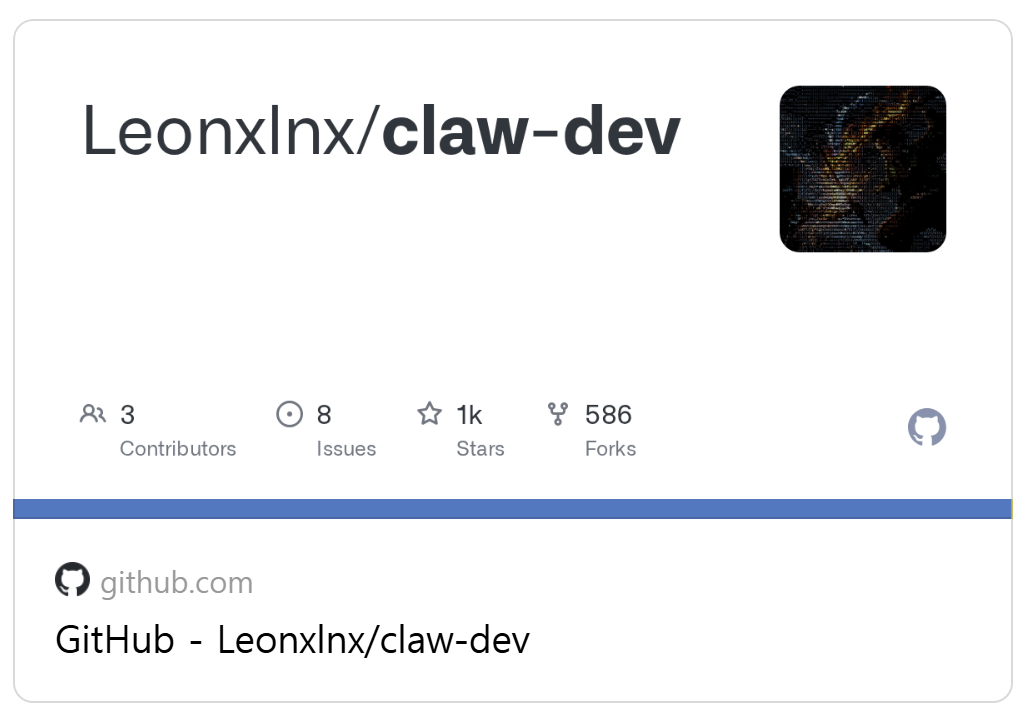
On March 31, an npm packaging error leaked the source code for Anthropic’s Claude Code. Developers quickly created Claw-dev, a proxy tool that intercepts Claude Code’s paid API requests and routes them to local models via Ollama. The result? You get the multi-step agentic workflow of Claude Code running entirely on your local machine with absolutely zero API costs.
 🛠️ How It Works: The Magic of Claw-dev
 🛠️ How It Works: The Magic of Claw-dev
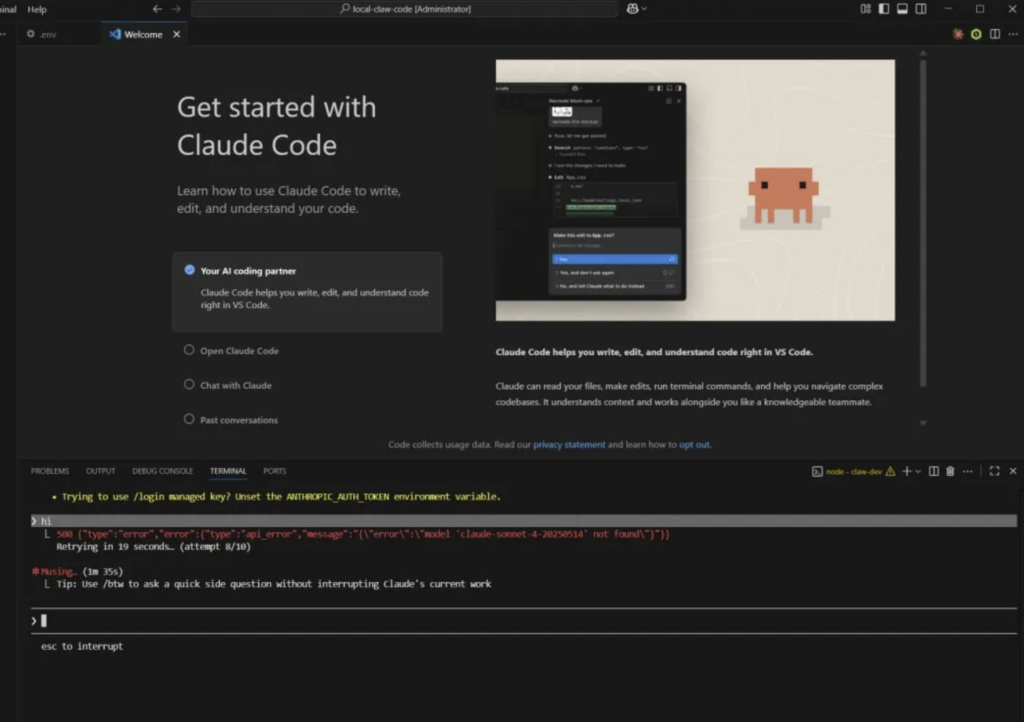
Claude Code is hardwired to communicate exclusively with Anthropic’s paid API. The claw-dev proxy (created by GitHub developer Leonxlnx) acts as a highly efficient middleman.
You run this proxy locally on your machine. When Claude Code sends out a prompt, it assumes it’s talking to Anthropic. Instead, Claw-dev intercepts the request and translates it into the API format of your chosen backend.
Currently Supported Backends:
- OpenAI
- Google Gemini
- Groq
- GitHub Copilot Models
- Ollama (The true zero-cost hero)
💻 Hardware Cheat Sheet: Can Your Mac Handle It?
Routing Claude Code through Ollama means your local machine handles all the AI inference. No cloud servers, no API keys, and absolutely zero usage fees. If you are using an Apple Silicon (M1/M2/M3) Mac, here is what you can realistically run:
16GB Unified Memory
Perfect for running 7B to 14B parameter models efficiently. Fast response times for general coding tasks.
32GB+ Unified Memory
Can comfortably run highly capable 32B+ coding models (like Qwen) for near-premium logic and reasoning.
*Pro tip: The response speed is blazing fast when your CPU/GPU isn’t bottlenecked by internet latency.
🚀 Step-by-Step Zero-Cost Setup
Ready to ditch the API fees? Make sure you have Node.js 22 or higher installed, then follow these steps.
Step 1: Install and Prep Ollama
First, you need Ollama running locally with a solid coding model. Qwen models are currently highly recommended for this workflow.
# Pull the model (e.g., Qwen 3)
ollama pull qwen3

# Ensure your Ollama server is running in the background
Step 2: Setup the Claw-dev Proxy
Next, spin up the proxy that will intercept Claude Code’s requests. When prompted in your terminal, select Option 4: Ollama.
# Clone the Claw-dev repository and run it
npm run claw-dev
Step 3: Launch Claude Code
With both Ollama and Claw-dev running, simply initiate Claude Code in your project directory. The proxy will seamlessly catch the Anthropic API traffic and route it to your local model.
The Bottom Line
This recent leak inadvertently created a massive win for everyday developers. By combining Claude Code’s refined agentic loop with free, local models via Ollama and Claw-dev, high-level AI coding is fully democratized.
Whether you are working offline on a flight, building a side project, or simply trying to keep your monthly AI subscriptions in check, this local stack is a game-changer. Have you set up Claw-dev on your machine yet? Let me know which local model is giving you the best coding results!
⭐ Claude Just Killed the $600 AI Mac Mini Trend (For $20/mo)