9 Free Google AI Tools You’re Probably Not Using (But Should Be)
Google quietly built one of the most powerful free AI ecosystems out there. Most people have no idea it exists.
Let me guess. When someone says “Google AI,” you think of the little summary box that appears at the top of your search results. Maybe Gemini, if you’ve been paying attention.
But here’s the thing — while everyone’s been arguing about ChatGPT vs. Claude, Google’s been shipping a whole ecosystem of free AI tools. Some of them are buried inside Google Labs. Some are baked into Gemini. Some are standalone experiments that barely anyone knows about yet.
I went through all of them. Tested them. Read the research behind them. And I want to walk you through the nine that are actually worth your time — and all of them are completely free.
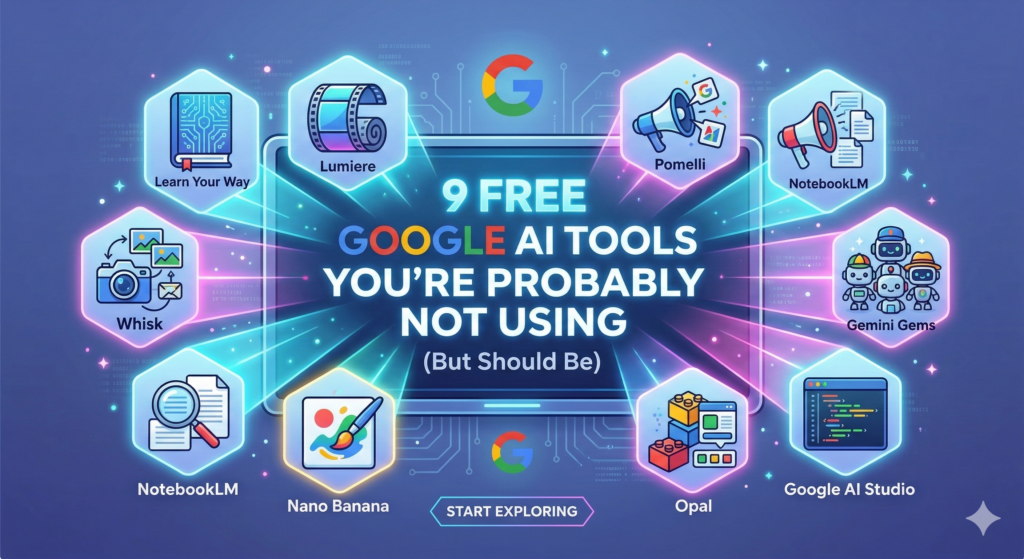
What We’re Covering
- Learn Your Way — AI that turns PDFs into personalized lessons
- Lumiere — Google’s AI video research
- Whisk — Create images using images, not prompts
- Pomelli — Instant branded marketing content
- NotebookLM — The research tool that actually reads your stuff
- Gemini Gems — Your personal AI team
- Nano Banana — Google’s viral AI image generator
- Opal — Build mini apps without code
- Google AI Studio — The dev playground (for everyone)
Learning
1. Learn Your Way
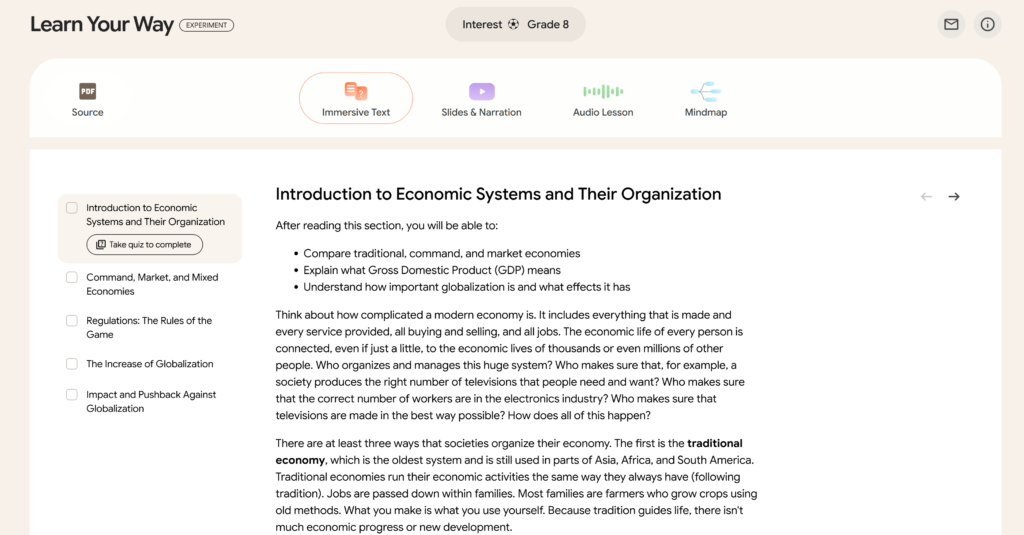
Learn Your Way — AI that turns PDFs into personalized lessons
Remember how every teacher in school said “everyone learns differently” — and then proceeded to teach everyone exactly the same way from the same textbook? Yeah. Google decided to actually do something about that.
Learn Your Way takes a PDF, textbook, or study document and transforms it into a fully interactive, personalized learning experience. You tell it your grade level and your interests — say, you’re a high schooler into basketball — and it rewrites the content with examples that actually make sense to you. Newton’s First Law explained using a basketball dribble? Done.
From there, you can view the same material as a mind map, listen to an audio lesson, or work through interactive questions that give you real-time feedback. It’s powered by LearnLM, Google’s pedagogy-focused AI model, built specifically around how humans actually retain information.
The results are not made up. Google ran a study with 60 high schoolers. The group that used Learn Your Way scored 11 percentage points higher on a recall test a week later compared to students who just read the same material digitally. That’s the difference between a B and an A.
Students who tested it said things like: “I have a really bad memory, but I was surprised by how much I could remember.” That kind of feedback doesn’t happen with most edtech.
Research Preview
2. Lumiere
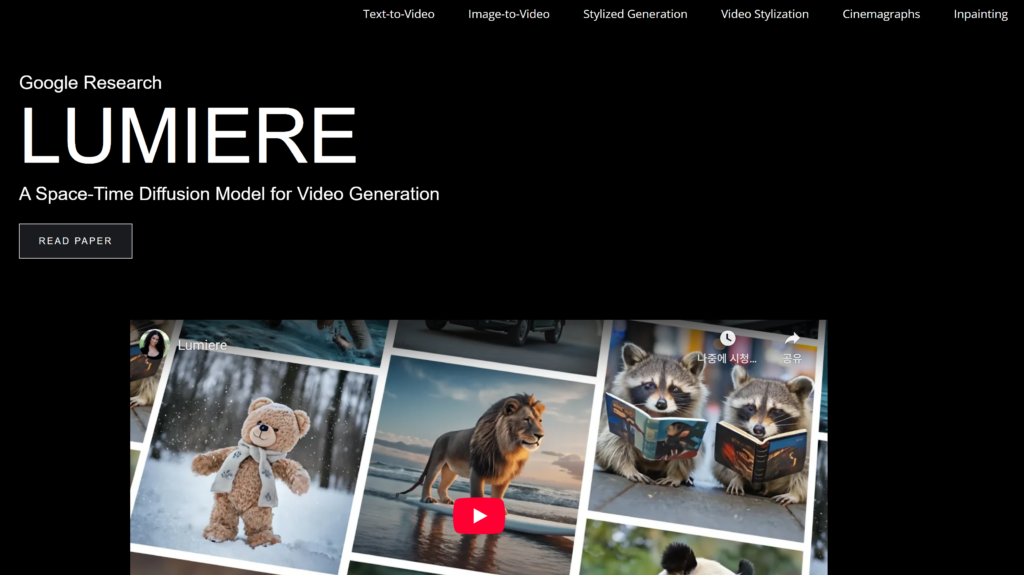
Lumiere — Google’s AI video research
This one’s still in the lab, so you can’t use it yet — but it’s worth knowing about because it’s genuinely wild.
Lumiere is Google’s AI video generation model. The big deal here isn’t just “text to video” — it’s how it works. Most AI video tools generate your clip frame by frame and stitch them together, which is why you get that weird flickering, jittery quality. Lumiere generates the entire video in a single pass, which means the motion stays smooth and physically realistic from start to finish.
In the research demos, you can see things like a goldfish swimming, fabric blowing in the wind, a dog running — all with the kind of motion consistency that other tools completely fumble. You can even do things like paint a mask over part of a video and swap out just that section, leaving everything else untouched.
It’s not a public tool yet. But keeping an eye on Google Labs for when it drops is worth it.
Image Creation
3. Whisk
Whisk — Create images using images, not prompts
If you’ve ever struggled with AI image prompts — spending 20 minutes typing elaborate descriptions and still getting something that looks nothing like what you had in mind — Whisk is going to feel like a relief.
Instead of writing prompts, you use images. You drop in three pictures: one for the subject (a person, an animal, an object), one for the scene (a location or background), and one for the style (a painting, a photo aesthetic, an art style). Whisk blends all three into something completely new.
Here’s a concrete example. Say you upload a photo of a sneaker, a photo of a jungle, and a Van Gogh painting. Whisk will generate that specific sneaker, in a jungle, in the style of Van Gogh. It doesn’t copy any of the source images directly — it captures the essence of each one and creates something original.
Under the hood, Google’s Gemini model writes a detailed text description of your uploaded images, then feeds that into Imagen 3 (Google’s image generation model) to produce the result. Artists and creatives who’ve used it describe it as a new kind of tool — less of an image editor, more of a visual brainstorming partner.
There’s even a Whisk Animate option that can turn your generated image into a short video clip. The image generation itself is free. Animate has some free credits with higher limits available for paid Google accounts.
Marketing
4. Pomelli
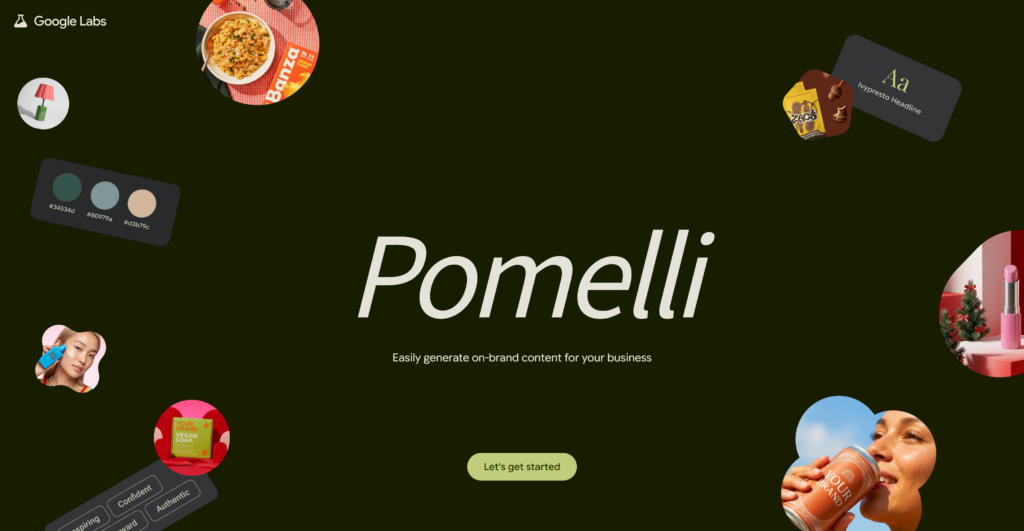
Pomelli — Instant branded marketing content
This one is legitimately surprising, especially if you run a small business or do any kind of content marketing.
The problem Pomelli is solving is real: creating consistent, on-brand marketing content is expensive. You need a designer who knows your brand, a copywriter who matches your voice, and someone to coordinate all of it. Most small businesses just can’t afford that at scale.
Pomelli’s approach: give it your website URL. That’s it. It scans your site, reads your color palette, extracts your fonts, figures out your brand’s tone of voice, and builds what it calls your “Business DNA.” Then it generates full marketing campaigns — social posts, ads, even product photography — that actually look and sound like you.
In real-world tests, the results have been solid. One marketing team used Pomelli-generated assets for a LinkedIn campaign and saw a click-through rate of 3.7% — their previous campaigns averaged 2.1%. The client’s reaction? “This looks like our brand. I’ve tried Canva templates before — they always felt generic. This actually gets us.”
And then in February 2026, Pomelli added a Photoshoot feature. You upload a low-quality product photo — doesn’t matter how rough it is — and it transforms it into a studio-quality image with multiple style options: floating product shots, lifestyle scenes, ingredient breakdowns. Work that used to require an actual photographer and studio.
It’s a collaboration between Google Labs and Google DeepMind, it’s in public beta, and it’s completely free right now.
Research
5. NotebookLM
NotebookLM — The research tool that actually reads your stuff
Most people have heard of NotebookLM by now. But most people are still using it wrong, or barely scratching the surface of what it can do.
The core idea: instead of asking a general-purpose AI chatbot questions, you upload your own sources — PDFs, websites, research papers, Google Docs, YouTube video transcripts — and NotebookLM becomes an AI that only knows what’s in those sources. It can’t make stuff up or pull in random internet information. It’s grounded in exactly what you gave it.
The free tier is genuinely generous. You get up to 100 notebooks, with each notebook able to hold 50 sources and up to 500,000 words total. That’s a lot.
But the real sleeper feature — and the one that keeps going viral — is the Audio Overview. You upload your sources, click a button, and NotebookLM generates a podcast. Not a text-to-speech robot reading your document. An actual back-and-forth conversation between two AI hosts, debating and explaining the material in a way that makes it genuinely engaging to listen to.
I’ve seen people use this for everything from summarizing 50-page research reports to turning their own notes into study podcasts they listen to on the way to work. It’s one of those features where once you use it, you don’t know how you worked without it.
Productivity
6. Gemini Gems
Gemini Gems — Your personal AI team
Think of Gemini Gems as your personal AI team — except each team member is a specialist you built yourself.
A Gem is basically a custom version of Gemini with a specific persona, set of instructions, and area of focus. You create it once — write a quick description of what you want it to do and how you want it to respond — and then it’s always there, ready to go, without you having to re-explain context every time.
Want a Gem that acts as a hard-nosed editor who gives brutally honest feedback on your writing? Done. A Gem that drafts formal legal-style responses to customer complaints? Easy. A Gem that helps brainstorm social content in your brand’s voice? Build it in five minutes.
The difference between using a regular Gemini chat and using a well-built Gem is the difference between hiring a new employee every time you need help versus having someone who already knows your business, your preferences, and your standards.
Image Generation
7. Nano Banana (Inside Gemini)
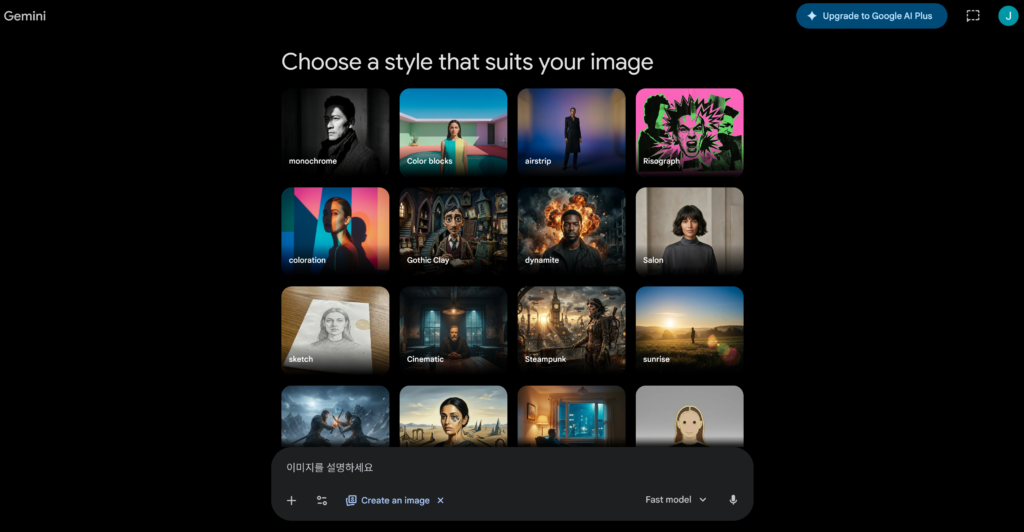
Nano Banana — Google’s viral AI image generator
Yes, that’s actually its name. And yes, it went viral in August 2025 for a reason.
Nano Banana is Google’s built-in image generation and editing feature inside the Gemini app. What makes it different from most image AI is how conversational it is. You can type naturally — “make the background a beach at sunset,” “put this product on a marble countertop,” “give her a different hairstyle” — and the AI just… does it. No complicated settings. No sliders. Just talking.
The original model went viral after it launched in August 2025, attracting 13 million new users within four days and generating over 5 billion images by mid-October. A big driver? The mini figurine trend — people were uploading their photos and turning themselves into collectible-style figurines, and it was everywhere.
In February 2026, Google launched Nano Banana 2 (Gemini 3.1 Flash Image), which is faster, supports up to 4K resolution, and pulls real-world information through live web search — so if you ask it to generate a specific real-world location or visualize current news, it actually has the context to do it accurately. It’s also now the default free image model across the Gemini app globally.
To use it, just open Gemini and select “Create images” from the tools menu. Free users get access to the base model; paid subscribers unlock Nano Banana Pro for professional-grade outputs.
No-Code Tools
8. Opal
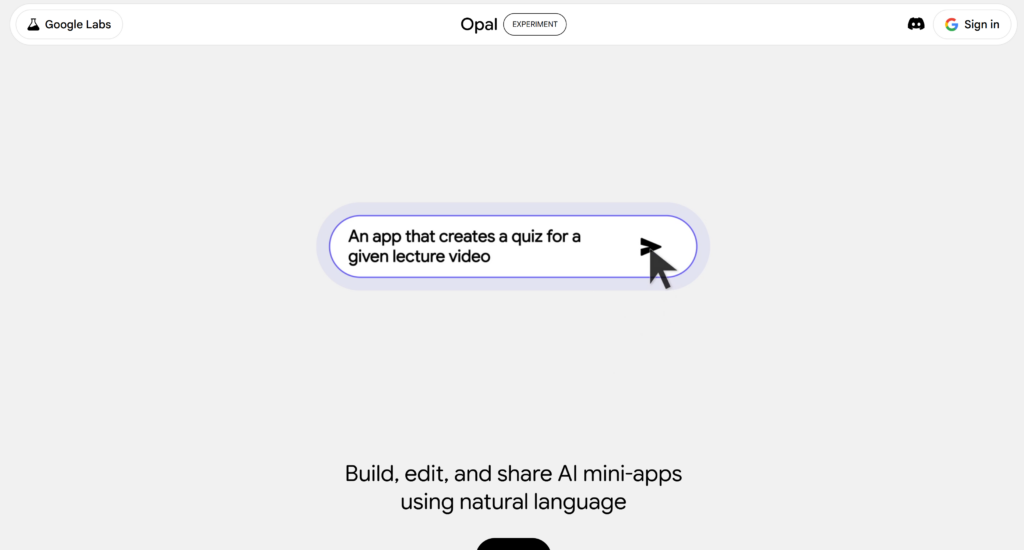
Opal — Build mini apps without code
Here’s a question. Have you ever wanted to build a small internal tool — something simple like a form that extracts data from a PDF, or a calculator that does something specific for your workflow — but you have no idea how to code?
Opal’s answer: just describe it. In plain English.
Opal is a Google Labs experiment that lets you build shareable mini-apps using natural language. You type something like: “Make an app where I upload a PDF invoice, it extracts the total, date, and vendor name, and puts them into a table.” And Opal builds it — with an upload button, a results table, the whole thing — powered by Gemini under the hood.
You can share the mini-app with a link. Other people can use it without needing a Google account or knowing anything about how it was built.
In November 2025, Opal expanded from the US to over 160 countries, which is a strong signal that Google is serious about it. It’s not for building complex enterprise software — but for small, specific, shareable tools? It’s one of the most practical no-code options I’ve seen.
Developer / Power User
9. Google AI Studio
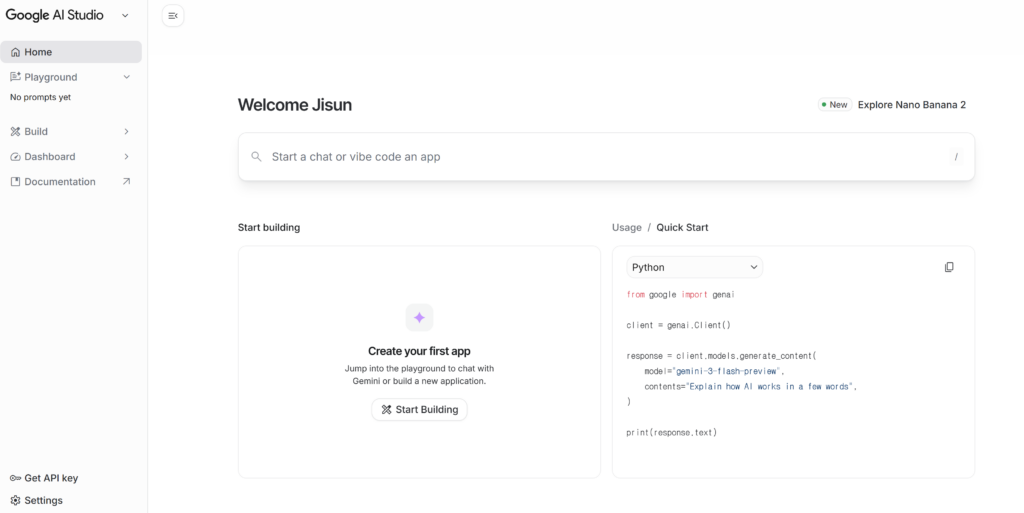
Google AI Studio — The dev playground (for everyone)
This one tends to get dismissed as “just for developers.” But honestly? If you want to understand what AI can actually do — not the pretty consumer version, the real engine room — AI Studio is the place to go.
AI Studio gives you direct access to Google’s latest models: Gemini 2.5 Pro, Nano Banana image generation, video generation, audio models — all of it. You can run prompts, experiment with settings, build simple apps, and test ideas without writing complex code.
There’s a free tier. And the free tier for image generation through the Gemini API is up to 500 images per day at zero cost. That’s more than most people would ever need.
If you’ve ever been curious about building something AI-powered — a Chrome extension, a simple web app, an automation — AI Studio is the sandbox where you test those ideas before building them out. It’s also where new features tend to appear before they hit the consumer apps.
So What’s the Play Here?
Here’s the honest summary. Google has been quietly building this whole ecosystem while the internet has been obsessing over ChatGPT and Claude. Some of these tools are polished. Some are rough experiments. All of them are free, and a few of them are genuinely some of the best tools in their category right now — at any price.
The move is simple: pick one tool based on what you actually spend time doing. If you’re a student or always learning new things, start with Learn Your Way or NotebookLM. If you create content or run a business, start with Pomelli or Whisk. If you’re just AI-curious and want to experiment, open up AI Studio and start poking around.
You don’t need to adopt all nine at once. But not knowing they exist? That’s leaving a lot on the table.
Which one are you most curious about? Drop it in the comments — I’m genuinely curious what catches people’s attention from this list.