Last updated: May 23, 2026 · 8 min read
Gemini Omni Flash Just Killed a Thousand AI Video Startups — Here’s What It Actually Does
Google quietly turned video editing into a conversation. You don’t film again. You don’t open a timeline. You just tell the model what to change, and the camera angle, the outfit, the background, the entire character — all of it shifts while the original shot still feels like yours.
The TL;DR
On May 19, 2026, Google announced Gemini Omni at I/O. The first model, Gemini Omni Flash, is rolling out right now to the Gemini app, Google Flow, and free on YouTube Shorts. It edits existing video through plain English — change the background, swap the character, dim the lights, add a sound effect — without losing the original scene. This is the “Nano Banana moment” for video.
What Gemini Omni Actually Is (In Plain English)
Until now, every AI video tool worked the same way: you wrote a prompt, the model generated a fresh clip, and if you wanted to change something, you started over. Runway, Pika, Sora, Veo — all of them. Same loop.
Gemini Omni breaks that loop. Google calls it a model that “can create anything from any input.” You feed it any combination of text, images, audio, and video, and you get a coherent video out. But the headline feature isn’t generation. It’s editing.
Here’s the difference in one sentence: with Omni, every edit instruction is understood in the context of everything that came before it. Change the camera angle on turn three, and the model still remembers the character, the lighting, and the scene from turn one. There is no “start over.”
That’s a fundamentally different editing model than anything that’s existed before, and it’s why creators are losing their minds about it this week.

Google’s official Gemini Omni launch video (Google DeepMind)
The Three Things That Make It Different
1. Conversational editing that actually remembers
Google’s example from the launch demo: start with a video of a violinist. Tell Omni to transport her to a new environment. Then tell it to make the violin invisible. Then ask for an over-the-shoulder camera angle. Each instruction stacks. The character stays the same person. The lighting still makes sense. The physics still work.
In normal AI video tools, that sequence would have produced four completely different videos with four different violinists.
2. Real physics, not just real-looking pixels
Google says Omni has improved intuitive understanding of gravity, kinetic energy, and fluid dynamics. The demo that’s making the rounds is a marble rolling down a chain-reaction track in a continuous smooth shot — the kind of physics most video models still botch.
3. Your own avatar, your own voice
You can create a custom AI avatar that looks and sounds like you, then drop yourself into any scene you generate. Think of it as Sora’s avatar feature, but built directly into the Gemini app. Google is positioning this as a responsibility move — every generated video carries an invisible SynthID watermark plus C2PA Content Credentials, verifiable through the Gemini app and (soon) Chrome and Search.
10 Real Examples Going Viral Right Now
A Threads post by @choi.openai compiled ten of the wildest Gemini Omni use cases that hit social media in the first 48 hours. Here’s the breakdown of each, with the original creators credited so you can find the source videos on X.
1. Object Replacement → @CaliraVal
A grocery store shopper’s cart fills up by itself — products animate onto shelves and into her cart while she’s still walking. The “object swap” use case that retailers and ad agencies are already drooling over.
2. Fireworks Added to a Scene → @fofrAI
A still London Eye capsule view of Big Ben gets transformed with fireworks bursting over the Thames. No green screen, no compositing — just a prompt.
3. Character Replacement → @ponzponz15
A man walking with a dachshund through a European plaza becomes a different man — same dog, same path, same camera move, different person.
4. Camera Angle Change → @LexnLin
A woman in a yellow trench coat walks down a San Francisco street with a cable car behind her. Omni rotates the entire shot to a different angle while keeping the city, the lighting, and the actress identical.
5. Avatar Feature → @venturetwins
A custom user avatar drops into a cinematic scene — climbing a stone wall in the mountains. This is the “put yourself in the action” workflow Google is pushing in the Gemini app.
6. Hybrid Object Creation → @shlomifruchter
A dog standing on a manor lawn gets a literal rooster head Photoshopped in — except it’s a video, and the rooster crown moves naturally with the dog’s body. Surreal but technically impressive.
7. Style Change (Texture) → @alexanderchen
Water being poured into a glass transforms mid-pour into a different material — same liquid physics, different visual style.
8. Object Addition → @maxescu
A Google I/O panel stage gets a giant gorilla statue added behind the panelists. The lighting on the statue matches the stage. The shadows fall correctly.
9. Style Transfer (Person) → @Mho_23
A selfie video gets restyled into a completely different aesthetic — different makeup, different lighting, different vibe — same person, same head movement, same eye contact.
10. Style Transfer (Scene) → @Mho_23
A Chinatown street interview gets remade in a completely different visual style — same person speaking, same words on the lower third, same cap and hoodie, totally different cinematography.
Watch a Real Walkthrough
Google’s “What is Gemini Omni?” explainer breaks down the core editing workflow in under 90 seconds. If you only have time for one video, watch this one.

How Much Does It Cost?
Here’s where Google made a smart move: they made Omni Flash free for casual users and paid for serious ones.
| Plan | Price | Where You Get It |
|---|---|---|
| YouTube Shorts / YouTube Create | Free | Anyone 18+ globally |
| Google AI Plus | From $7.99/mo | Gemini app + Google Flow |
| Google AI Pro | $19.99/mo | Higher usage limits |
| Google AI Ultra | $99.99 – $199.99/mo | Top-tier usage |
| Developer / Enterprise API | Not yet generally available | Coming weeks |
Pricing data is based on third-party reporting and Google AI plan listings. If you want to try Omni without paying, YouTube Shorts is the answer — and that’s almost certainly Google’s strategy. Get a billion casual users hooked, then upsell creators to Flow.
Current Limits You Should Know About
It’s not magic. Here’s what Omni Flash doesn’t do well yet:
- 10-second clip cap. Google’s DeepMind product team confirmed this is a deployment choice, not a model limitation. They’re holding back longer outputs while they figure out safety and cost.
- Editing prompts have to be very specific. Google itself warned about this in launch coverage. “Make the lighting better” won’t work; “dim the overhead lights and add a warm key light from frame-right” will.
- Initial movement still feels stiff in some clips. Several early testers on Threads pointed out that motion quality lags behind dedicated models like Seedance on certain scenes — but the editing precision more than makes up for it in most workflows.
- Audio inputs are voice-only at launch. Music and ambient audio as reference inputs are “rolling out soon.”
- Image and audio outputs aren’t ready. Right now Omni Flash outputs video only. Other modalities are on the roadmap.
Why This Matters for Anyone Working with Video
If you’re a creator, an ad agency, a marketer, or a small business making product videos, this is the first AI tool that fits into a normal post-production workflow instead of replacing it. You don’t have to throw out your existing footage. You don’t have to learn a new editing app. You hand Omni a clip you already shot, and you describe what should change.
For ad and music video production specifically, several testers in the original Threads thread pointed out that editing-first AI is a faster path into real-world workflows than generation-first AI. That’s the bet Google just made.
Meanwhile, dozens of AI video startups that built their entire business on “type a prompt, get a clip” just woke up to a much harder competitive landscape. Some won’t survive Q3.
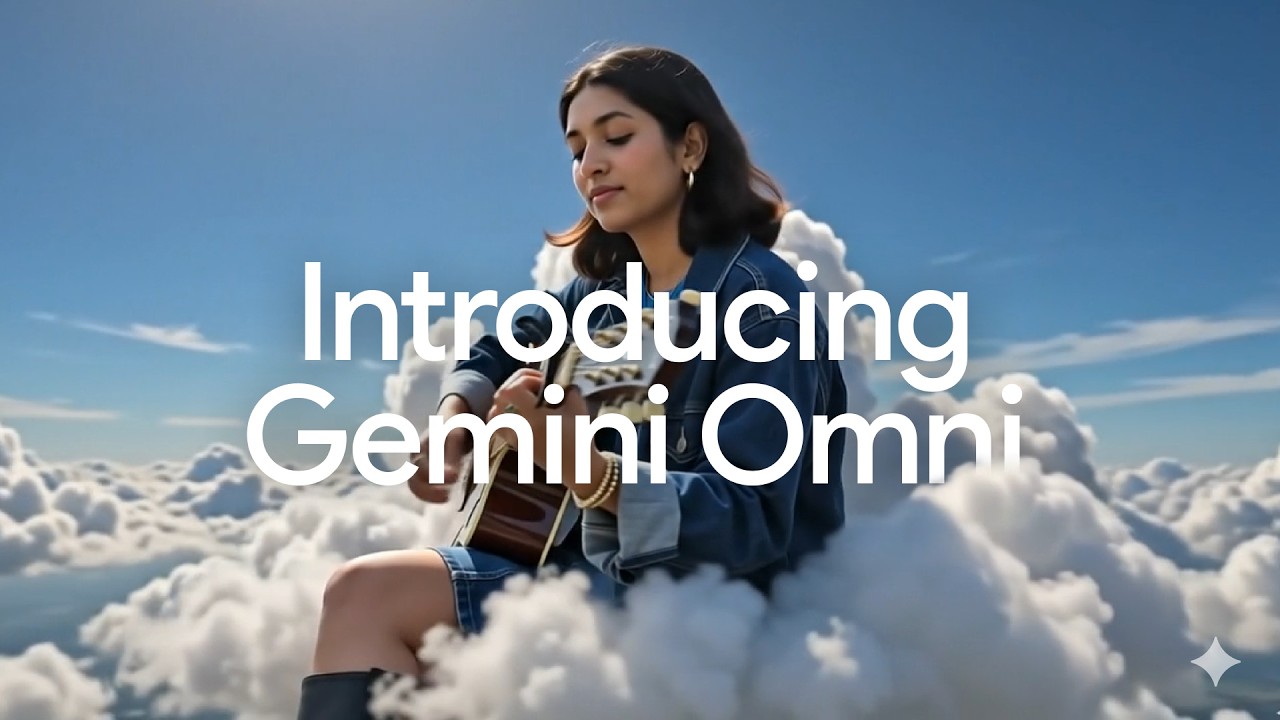
“Meet Gemini Omni” — Google’s product showcase
How to Try Gemini Omni Right Now
- For free: Open YouTube Shorts (iOS or Android) and look for the Remix feature, or download the YouTube Create app. You need to be 18+.
- For full editing: Subscribe to Google AI Plus ($7.99/mo) and open the Gemini app or visit Google Flow.
- For developers: Wait a few more weeks. API access is “coming.”
The Bottom Line
Google has spent the past year quietly assembling the most complete AI media stack in the industry — Veo for generation, Nano Banana for image editing, Genie for world simulation, and now Omni to tie it all together. Gemini Omni Flash is the moment all of that became a single conversational interface.
It’s not perfect. The 10-second cap is annoying, the prompts have to be more precise than the marketing suggests, and the API isn’t open yet. But the editing model itself — the idea that every instruction stacks on the last one without losing the original — is genuinely new, and once you’ve used it, it’s hard to go back.
If you make video for a living, this is the week you start experimenting.